

Hand over between Auto and Manual
Keep the pump steady when control changes hands.
AutoMode picks what runs the pump: the tank level (Auto) or the Manual buttons. In Auto, PumpOn starts below 30% and stops at 70%. In between, it keeps its last state. In Manual, ManualStart latches PumpOn on and ManualStop wins. Switching mode must not change PumpOn on its own. If the new mode is already asking for a change, it may act on the switch or the next one. A Fault, or losing Permit, always stops the pump at once.
 Pro mission
Auto remembers both sides of the band
Test 1 of 12LevelTank level75 %ManualStopInputOFFManualStartInputONPumpOnPump commandOFF- Level
- Applied
- Time
- About 20 min
- Reward
- +250 XP
- Rig
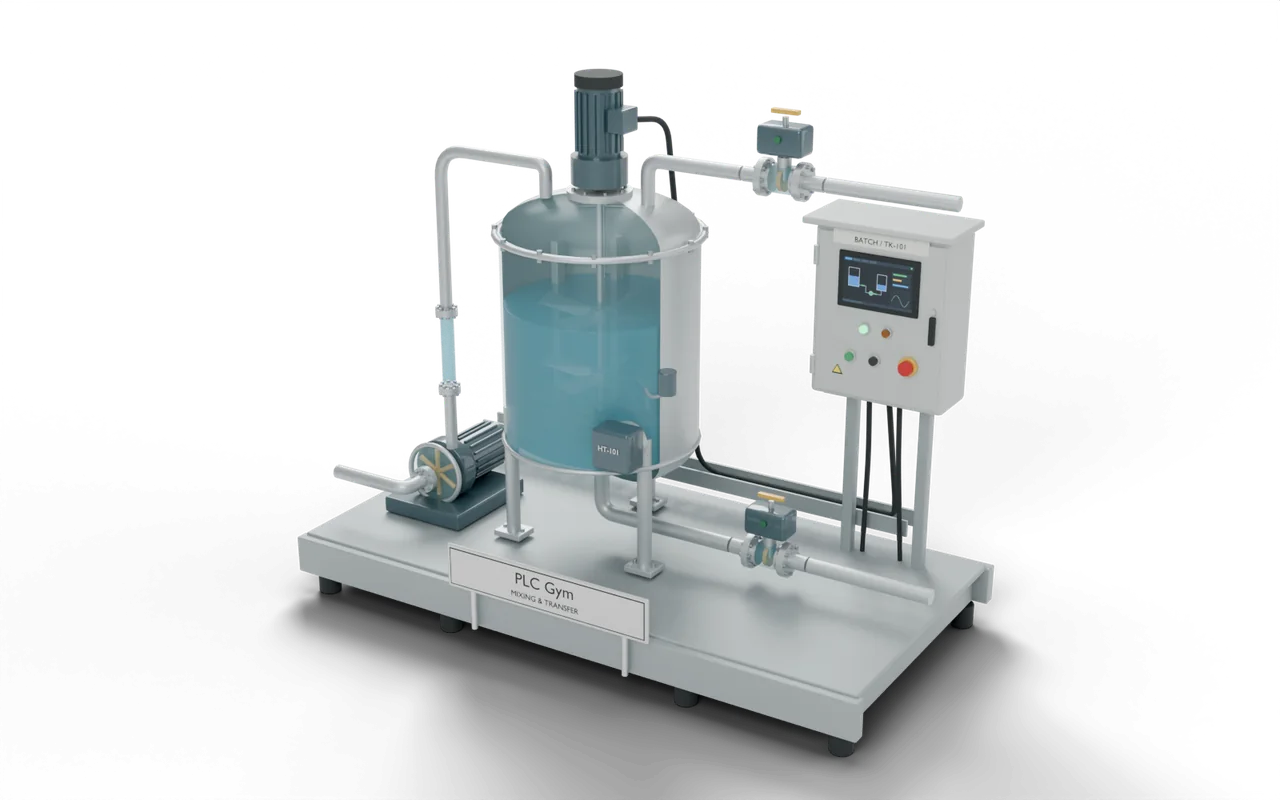
- 3D process tank
- Siemens editors
- SCL, LAD
- Rockwell editors
- Structured Text, Ladder
- Course stage
- 11. Hand control over
What the tests check
- Auto starts below 30% and stops at 70%. Manual uses ManualStart and ManualStop, and Stop wins.
- With nothing asking for a change, switching mode either way keeps the pump ON or OFF, scan after scan.
- A Fault, or losing Permit, stops the pump in both modes, even on the switch scan.
- Try it Use the buttons below the model and watch the rig respond.
- Test solution Every check runs on your code in one press.
- Replay If one fails, step through it one scan at a time to see why.
Where you’d see this on site
An engineer switches a tank-filling pump from Auto to Manual so they can test it with the buttons.
Changing mode on its own should not cut off a fill or start an idle pump. Manual buttons must still obey an empty supply or a failed motor.
At a drinks factory, valves let measured amounts of water and syrup into a mixing tank. An electric mixer blends them into one batch. An outlet valve then sends the drink to a holding tank. Filling machines bottle it from there.
- Ingredient tanksHold the water and syrup
- Mixing tankFill, mix and measure one batchYou are here
- Holding tankKeeps the finished drink ready
- Bottle fillerPuts the drink into bottles
On a real site: places, parts and safety
- Drinks factory — blending water and syrup
- Paint factory — mixing ingredients into a consistent colour
- Water-treatment works — preparing a measured chemical mixture
- Brewery — heating water for washing equipment
A full tank does not close its own inlet. Water keeps arriving until the valve closes, so an open inlet can flood the room.
A heater that is not covered by liquid can overheat. Real tanks have separate safety devices as well as the PLC programme.
The sizes, timings and cutaways are teaching choices, not a drawing of any one real installation.
Next in the course
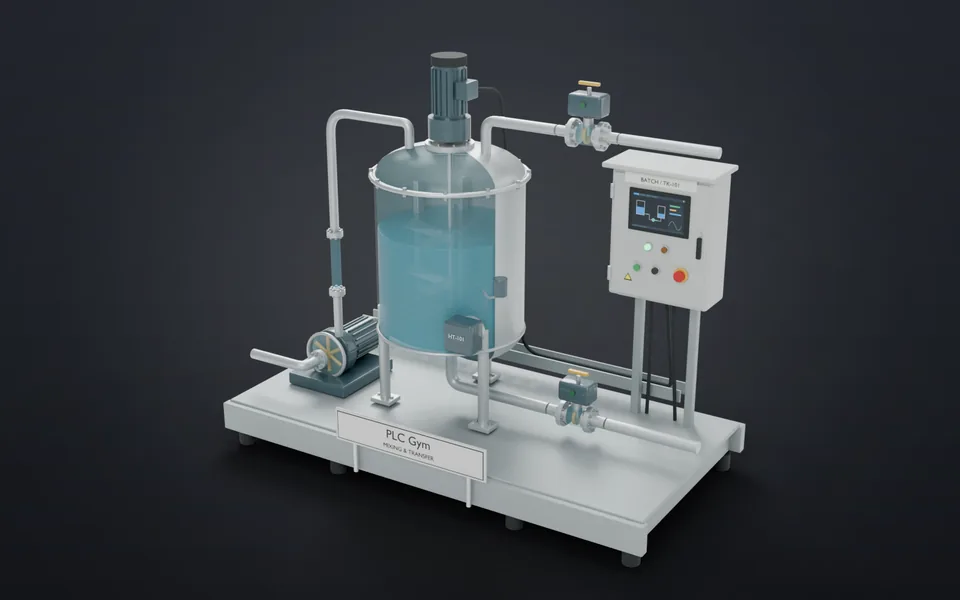 23One batch, four phasesFill. Mix. Drain. Complete.Advanced · 18 min · +300 XP
- 24Choose the right routePick route A or B, then stick with it.Advanced · 18 min · +300 XP
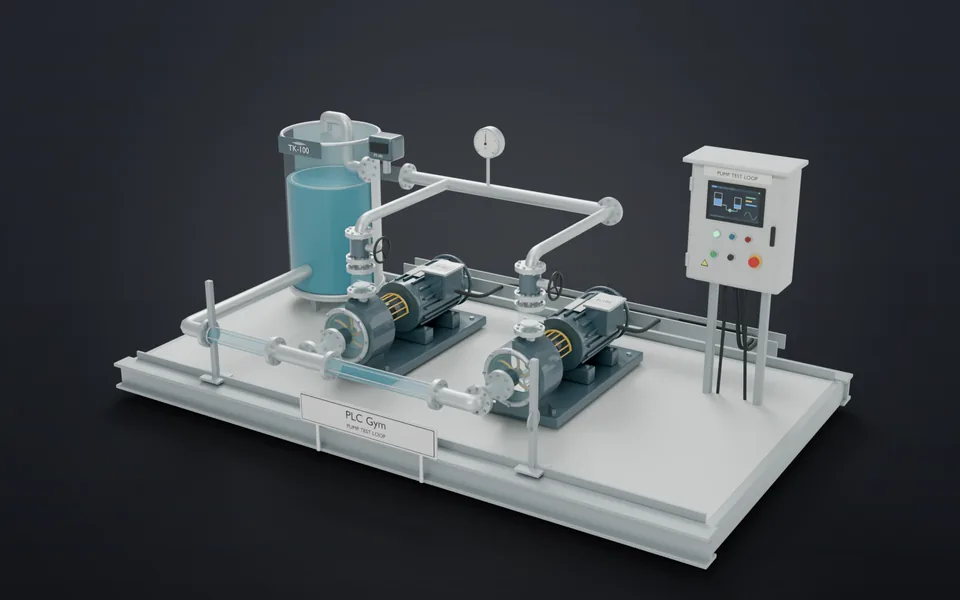 25What stays on?A stored output stays ON until you reset it.Advanced · 18 min · +300 XP
- 26Return to a known stateReset the chart and turn every output OFF.Advanced · 18 min · +300 XP