

Test your PLC codeon a working 3D machine
Bring the code you wrote for site: a TIA Portal SCL source, a Studio 5000 L5X or a TwinCAT POU. Wire its tags to one of 21 machines and press Run, before anyone goes near the real thing.
- Reads the files your PLC software exports
- Matches your tag names to the machine for you
- Runs in your browser: your code is never uploaded
How it works
Upload or paste it. PLC Gym reads Siemens SCL sources (from Generate source from blocks), Studio 5000 L5X exports of a Ladder or Structured Text routine, program or controller, and TwinCAT 3 .TcPOU and .TcGVL files. Plain Structured Text works too.
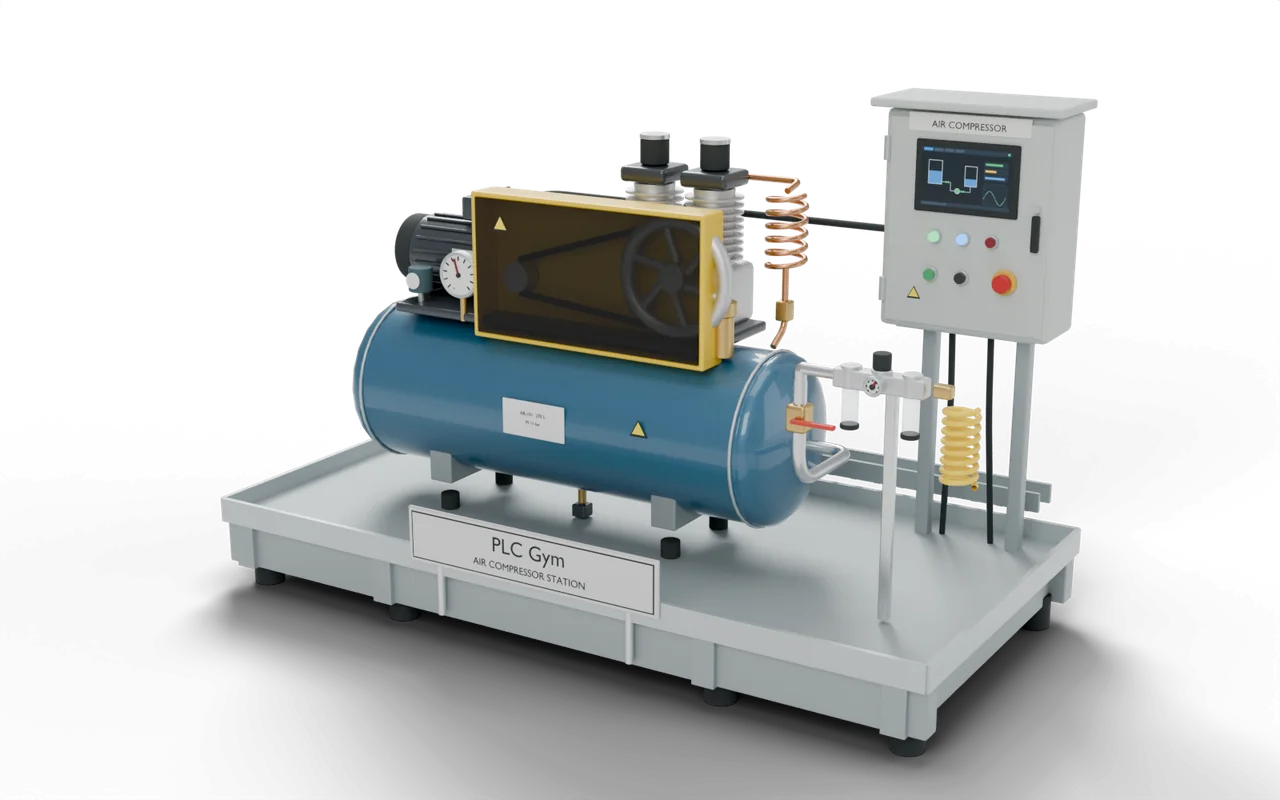
Pick one of 21 machines, from an air compressor to a palletiser. PLC Gym makes a first guess at which of your tags is which button, sensor and output, from their names and comments. Change any of it.
The machine runs your code scan by scan. Press its buttons, force inputs, watch tags and trends, and step one scan at a time. Where a mission's tests fit your wiring, run them too.
It's a simulator for trying ideas, not a safety check: always test on the real machine as your site requires. Anything PLC Gym can't run yet, such as a data type or instruction, gets a plain message naming the line or rung.