

PLC emulator or simulator: what's the difference?
PLC emulator or simulator? What each one copies, the tools Siemens and Rockwell offer, and which you need to learn or test PLC code.
In this guide
Search for a PLC emulator and you'll quickly find the words emulator and simulator used as if they mean the same thing. Sometimes they do. Sometimes they really don't, and picking the wrong one can mean paying for software that doesn't do the job you had in mind.
This guide explains the difference in plain English, runs through what Siemens and Rockwell actually offer, and finishes with a simple way to work out which one you need. I'll say up front that PLC Gym is a simulator, so I've tried hard to be fair to the alternatives. Where I describe a vendor's product, I've linked their own page at the bottom.
The short version
Here's how the words are usually used. Not everyone sticks to these definitions, but they're a good place to start.
| Term | What it copies | Typical use |
|---|---|---|
| PLC emulator | A specific controller, closely enough that your real project runs on it unchanged | Testing a real project on a PC before it goes onto hardware |
| PLC simulator | How a PLC behaves: the scan, the logic, timers and counters | Learning, and testing logic quickly |
| Process simulation or digital twin | The machine or plant the PLC controls | Virtual commissioning and operator training |
The important thing to notice is that the first two copy the controller. Neither one copies the machine. That's where a lot of confusion starts.
What an emulator gives you
An emulator pretends to be a particular model of controller. You take the same project you'd download into the real thing, point your programming software at the emulator instead, and it runs.
Rockwell is quite precise about this. Its FactoryTalk Logix Echo software emulates the behaviour of its ControlLogix 5580 and 5590, GuardLogix 5580, CompactLogix 5380 and Compact GuardLogix 5380 controllers. Rockwell says a Studio 5000 Logix Designer project, version 33 or later, doesn't need any changes to run on one of those emulated controllers. That's the big advantage of an emulator: what you test is what you'll download.
Rockwell also has an older product, Studio 5000 Logix Emulate, for the previous generation of 5560 and 5570 controllers. Its own help notes that Logix Designer version 37 and later no longer supports those emulated controllers, so Logix Echo is the current route for newer projects.
One more thing Rockwell is very clear on: don't use Logix Echo to control real machines, devices or processes. It's a test tool, not a controller.
What a simulator gives you
A simulator focuses on behaviour rather than being an exact copy of one model. It runs your logic through the same read, run, write cycle as a real PLC and shows you what happens.
The line between the two blurs at the vendor end. Siemens calls its tools simulators, even though they run your real TIA Portal project.
- S7-PLCSIM lets you start a simulation straight from STEP 7 in the TIA Portal. The simulated PLC gets its hardware configuration and program from your project by a normal download. Siemens' current help lists support for S7-1500, S7-1200 and ET 200SP controllers, among others.
- S7-PLCSIM Advanced creates virtual S7-1500 and ET 200SP controllers on your PC. Siemens describes it as reproducing real controller behaviour, including communication, safety and web server functions, and it has a programming interface so other software can connect to it. It doesn't simulate the S7-1200, and its manual notes that it doesn't simulate fieldbus systems such as PROFINET IO and PROFIBUS DP.
Rockwell's smaller Micro800 controllers have their own Micro800 Simulator. A demo version comes with the free Standard Edition of Connected Components Workbench, and the full version is part of the paid Developer Edition.
So in practice, the vendor tools sit somewhere between the two definitions. What matters more is the question in the next section.
The missing piece: a machine
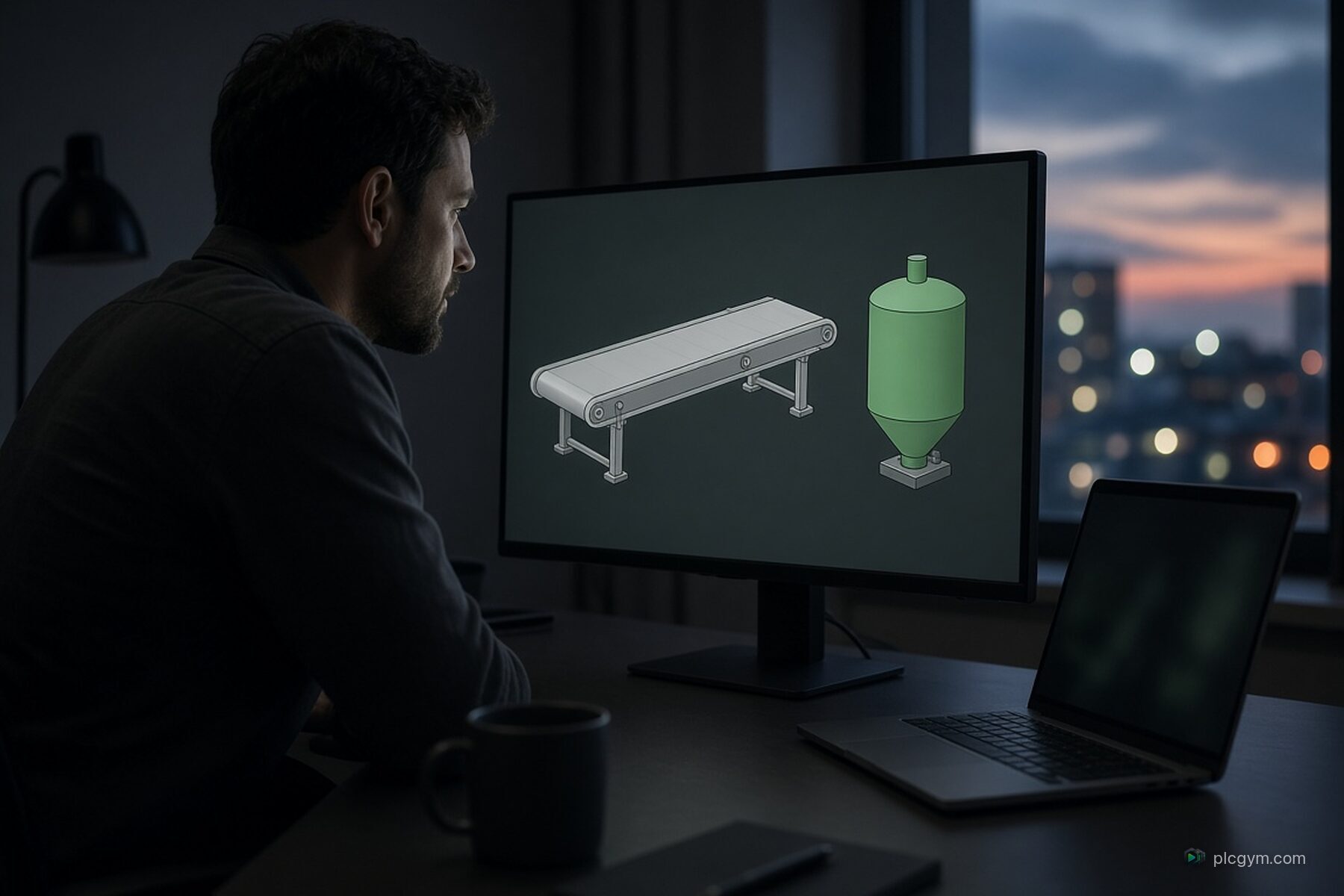
Whichever tool you use, emulator or simulator, it copies the controller. It doesn't copy the pump, the tank or the conveyor. When your code switches on the fill valve, nothing fills. The level doesn't rise unless you change it yourself.
For a single rule, that's fine. You flip an input, watch an output, job done. But a lot of real PLC logic is about reacting to a process over time. A tank takes a while to fill. A valve takes a second to travel and confirm it's open. A pump runs down after it's stopped. Without something playing the part of the machine, you end up typing values into a watch table and pretending, which is slow and easy to get wrong.
That's why the industry also has process simulation, often called a digital twin.
- Siemens SIMIT is a simulation platform for testing automation projects and commissioning systems virtually, and for training operators before a plant goes live.
- Rockwell Emulate3D builds physics based models of industrial systems that can be driven by real control logic, again for virtual commissioning and training.
These are serious engineering tools, used by system integrators testing large projects before anyone goes near the site.
Where PLC Gym fits
PLC Gym sits in a different spot. It's a simulator that runs in your browser with the process built in. You write logic in Siemens or Rockwell languages, press Run, and a 3D pump, tank or filling line reacts to it, scan by scan. Then automatic tests check whether your code did what the job asked.
It's built for learning and practice, not for testing a customer's project before commissioning. It isn't TIA Portal or Studio 5000, and our language reference spells out where it differs from them. What it gives a learner is the thing the vendor tools leave out: something realistic for the code to control. You can see it in the very first mission, in timing a delay against a real process, or in running a whole batch sequence through its phases.
Which one do you need?
It comes down to what you're trying to do.
- You're learning PLC programming. Start with a simulator that includes a process, so you can see cause and effect. You don't need vendor licences yet. Our online PLC simulator is free to start.
- You're learning a specific vendor's software. Get comfortable with the real tool. For Siemens, that means TIA Portal with S7-PLCSIM. For Allen-Bradley, Studio 5000 with Logix Echo, or Connected Components Workbench if you're working with Micro800. Our Allen-Bradley PLC training covers the languages you'll meet in Studio 5000.
- You're testing a real project before it goes on site. Use the vendor's emulator or simulator for your exact controller, so you're testing the project you'll actually download.
- You're commissioning a big system or training operators. Add process simulation, so the virtual controller has a virtual plant to run.
You might well use more than one of these, at different stages of the same job.
A few things to check before you buy anything
- Which controller does it support? Emulators are tied to specific families and software versions. Check yours is on the list.
- What licence does it need? Some tools are included with other software, some are add ons, and some have trial versions. Rockwell, for example, offers a 30 day trial of Logix Echo.
- What doesn't it simulate? Every tool has limits, especially around networks, motion and safety. The vendor documentation is honest about them, so read it.
- Where will the inputs come from? If there's no process model, you'll be changing every input by hand.
If you're specifically working in Siemens, our guide to TIA Portal simulation goes deeper on S7-PLCSIM. And if you're still weighing up whether to buy a physical controller instead, the PLC training kit guide covers that side.
Sources
- FactoryTalk Logix Echo, Rockwell Automation
- FactoryTalk Logix Echo Getting Results Guide, Rockwell Automation
- Emulate, Test, Refine: Try FactoryTalk Logix Echo, Rockwell Automation, on the 30 day trial
- Emulated controller, Studio 5000 Logix Designer help, Rockwell Automation
- S7-PLCSIM help, Siemens
- S7-PLCSIM Advanced, Siemens
- S7-PLCSIM Advanced function manual, Siemens
- Design and Configuration Software: Connected Components Workbench, Rockwell Automation
- SIMIT, Siemens
- Emulate3D Digital Twin Software, Rockwell Automation
Practise it
Try it on a working machine
Write real Siemens or Rockwell code in the free online PLC simulator and watch a 3D pump, tank or filling line do exactly what you told it. Nothing to install.
Read next
TIA Portal simulation: testing Siemens code without a PLC
TIA Portal simulation explained: what S7-PLCSIM and PLCSIM Advanced do, what they need, and how to practise Siemens code with no hardware.
Read the guide
PLC kit for training: do you need hardware to learn?
Thinking of buying a PLC kit for training? What a trainer kit includes, what it teaches well, what it misses, and when a simulator is enough.
Read the guide
Programming logic controllers: how PLC code actually works
Programming logic controllers, explained: how a PLC reads inputs, runs your code and sets outputs, the standard languages, and how to start.
Read the guide