

PLC kit for training: do you need hardware to learn?
Thinking of buying a PLC kit for training? What a trainer kit includes, what it teaches well, what it misses, and when a simulator is enough.
In this guide
If you're searching for a PLC kit for training, you've probably reached the point where reading isn't enough. You want something real to plug in, program and watch respond. That's a good instinct. The question is whether a hardware kit is the right next step for you, or whether you'd learn faster another way first.
I'll be straight with you. PLC Gym is a browser simulator, so I'm hardly neutral. But I'm also not going to pretend a simulator does everything. There are things a physical kit teaches that no software can, and this guide is honest about both sides.
What a PLC training kit usually includes
"PLC kit" covers a few different things, but most fall into one of these.
- A starter kit from the manufacturer. A small controller, sometimes with the programming software and a cable, sold as a bundle. Siemens has sold S7-1200 starter kits that pair a controller with its STEP 7 Basic software, for example.
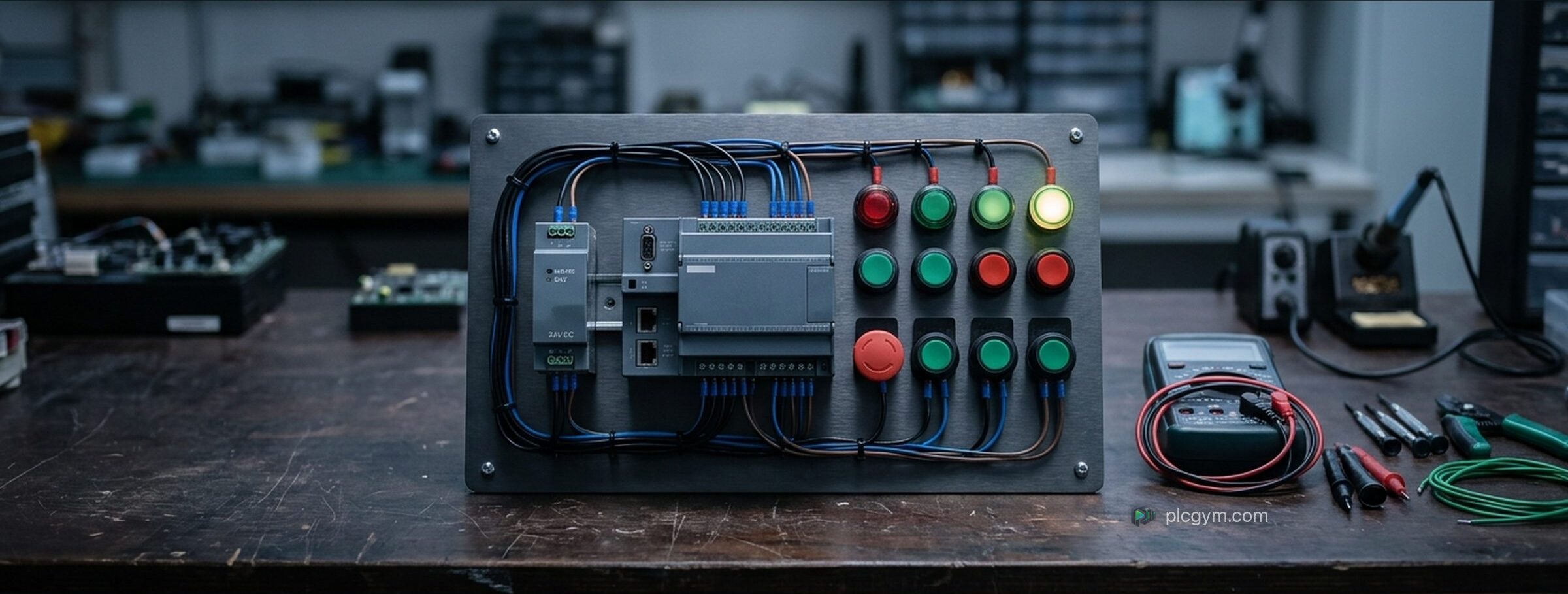
- A trainer board. A small PLC mounted on a panel with a power supply, a row of switches and push buttons for inputs, and lamps for outputs. Some add a potentiometer for an analogue signal, a small display or a motor.
- A college style training rig. A bigger frame with real industrial parts: sensors, a conveyor, solenoid valves, sometimes a touch screen. These are brilliant and also expensive, which is why they mostly live in colleges and training centres.
- A home build. A second hand controller, a power supply and some switches from an electronics shop, wired up on a board. Cheap, educational, and full of ways to go wrong.
What a kit teaches well
The biggest thing a kit gives you is contact with real hardware. That matters more than people think.
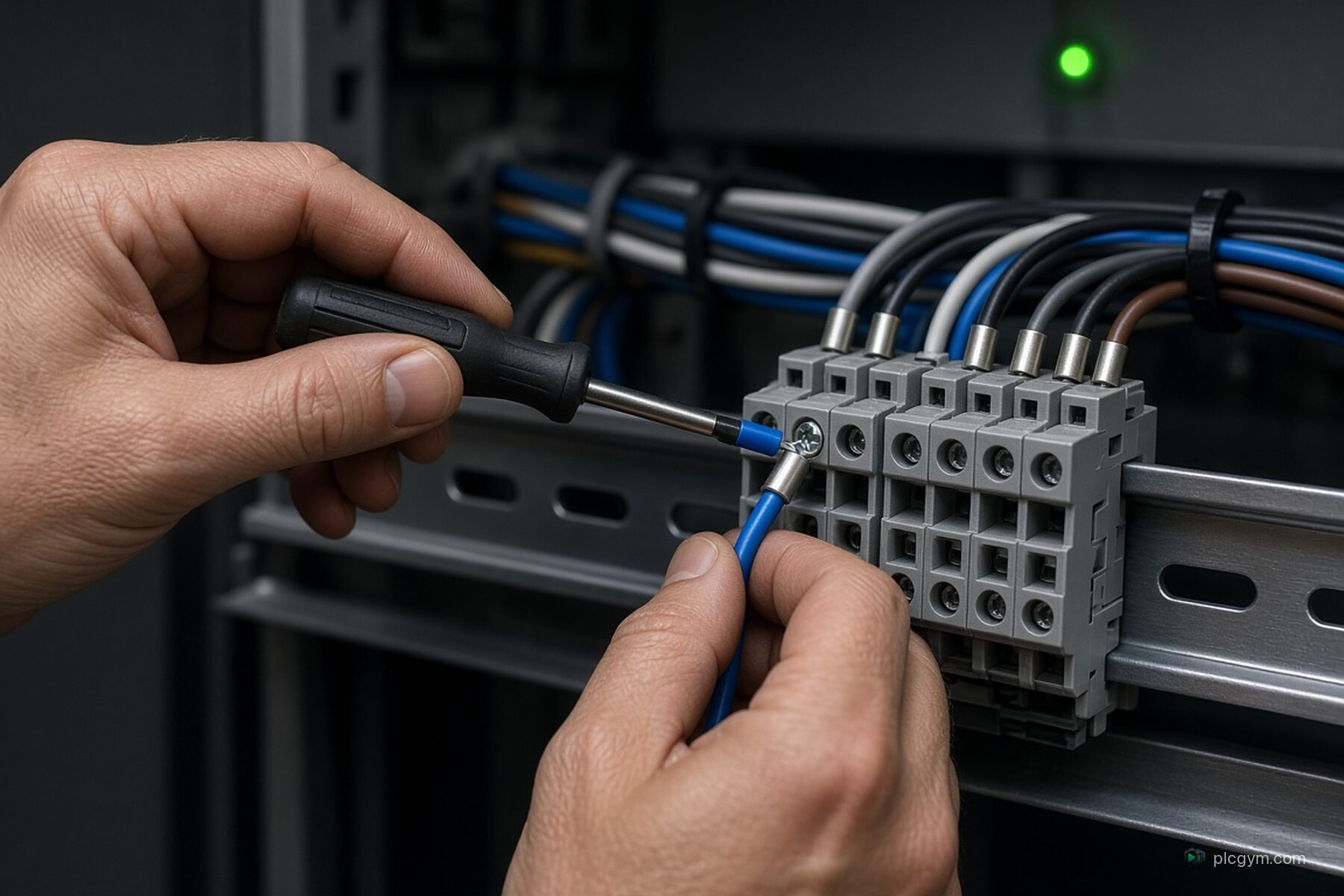
- Wiring. Landing wires in terminals, reading a wiring diagram, and understanding how a switch actually gets its signal into an input card. You'll meet ideas like sinking and sourcing, which is about whether the input expects the switch to supply the voltage or to give it a path back to 0 volts.
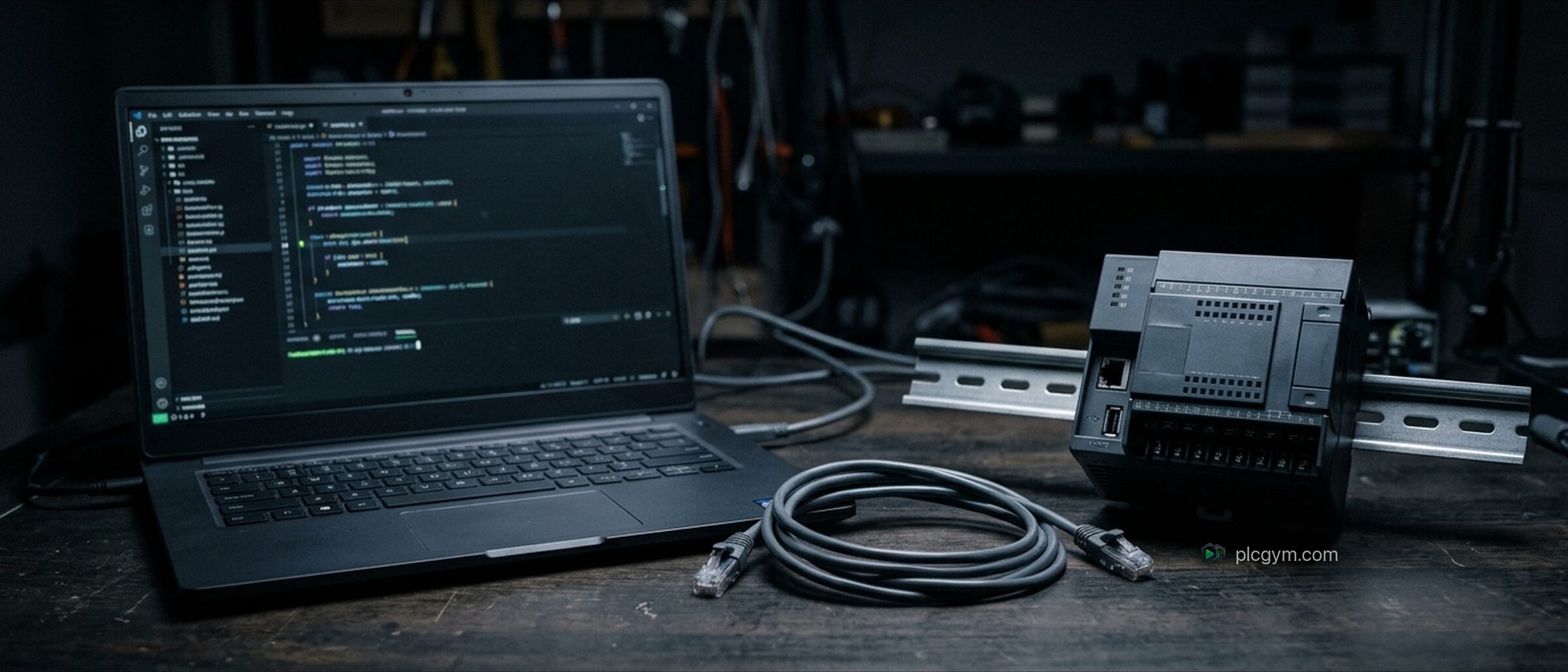
- Going online with a real controller. Downloading a program, watching tags change live, and forcing an output on to check the wiring. These are everyday tasks on site, and doing them on a real controller builds confidence.
- Real faults. A loose wire, a blown fuse, an input that's wired to the wrong terminal. Software can simulate faults, but finding a physical one with a meter in your hand is a different skill.
- The vendor's own software. You learn the actual menus and quirks of the tool you'll use at work.
What a kit doesn't teach
This is where people are sometimes disappointed after buying one.
- A process. A lamp isn't a tank. When your program turns on Output 3, a light comes on and that's it. There's no level rising, no pump running down, no bottle arriving at a sensor half a second later. A lot of the hard part of PLC programming is reacting to a process that takes time, and a board of switches can't show you that.
- You're the machine. Every input changes because you flick a switch. That's fine for testing one rule, but it's very hard to recreate a real sequence of events, or the awkward timing that causes most bugs.
- The other brand. A Siemens kit teaches Siemens. An Allen-Bradley kit teaches Allen-Bradley. Some jobs want both.
- Checking your work. Nobody tells you whether your program is right. You test what you think of testing, and miss what you don't.
The software is often the real cost
This is the part that catches a lot of people out. The controller is only half of it. You also need the software to program it, and that isn't always cheap or obvious.
Siemens. S7-1200 and S7-1500 controllers are programmed with STEP 7 in the TIA Portal. Siemens sells it as STEP 7 Basic, which it describes as a price optimised subset, and the fuller STEP 7 Professional. Check exactly which licence comes with any kit you're looking at, and how long it lasts.
Allen-Bradley. Here it depends which controller is in the kit. Rockwell's smaller Micro800 controllers are programmed with Connected Components Workbench, and its Standard Edition is a free download that includes a demo version of the Micro800 Simulator. That makes a Micro800 kit an affordable way into Allen-Bradley hardware. But its bigger CompactLogix and ControlLogix controllers use a different package, Studio 5000 Logix Designer. So a Micro800 kit won't teach you Studio 5000, and that's worth knowing before you buy.
Second hand kits need extra care. An older controller may need an older version of the software, and software licences don't always pass on with the hardware. Ask before you hand over any money.
Choosing a kit: a checklist
If you've decided a kit is right for you, these questions will save you some headaches.
- Which brand do the jobs near you use? Look at a few job adverts. If they all mention Siemens or Studio 5000, buy accordingly.
- Is the software included, and for how long? A cheap controller with expensive software isn't cheap.
- Does it run at a safe, low control voltage? Look for switches and lamps that run on something like 24 volts DC. If any part of it needs wiring to the mains, have someone qualified do it or check it. It's a hobby, not worth getting hurt over.
- Does it have an analogue input? On and off signals are the easy part. Reading a level or temperature as a number is where a lot of real work happens.
- Is there decent documentation? A wiring diagram and a few example exercises make a huge difference when you're on your own.
- Can you add to it later? A small motor, a sensor or a touch screen can turn a basic board into something much more realistic.
When a simulator is enough
Here's the honest answer. For learning the logic, a good simulator is usually enough, and often better, because you can see the effect of your code on something that behaves like a real machine.
In PLC Gym, for example, the first mission has you switch on an output and watch a 3D tank respond. A counting mission has bottles arriving on a conveyor at their own pace. The valve feedback mission teaches the difference between telling a valve to open and knowing that it actually has. You'd struggle to set up any of those on a trainer board. And because every mission has automatic tests, you find out straight away whether your program does what the job asked.
What a simulator can't do is teach you to wire a panel or use a meter. If your goal is a hands on job, you'll need that too, ideally from a college course or apprenticeship where someone qualified can show you safely. Our guide to PLC technician training covers those routes.
If you're curious about the software side of testing without hardware, our guide on PLC emulators and simulators explains what Siemens and Rockwell offer.
A sensible order
If I were starting from nothing and wanted to spend wisely, this is what I'd do.
- Learn the ideas and the logic first, for free or close to it. Start with the guided labs, then work through missions in the online PLC simulator until the scan, seal ins and timers feel natural.
- Decide which brand matters to you. Let the jobs you want make that choice.
- Then buy hardware, if you still need it. By now you'll know exactly what you want a kit for, which is usually wiring practice and getting comfortable with the vendor's software.
That way your money goes on the part only hardware can teach, instead of on learning what an IF statement does.
Sources
- SIMATIC S7-1200 brochure, Siemens, on the S7-1200 starter kit
- STEP 7 in the TIA Portal, Siemens
- Design and Configuration Software: Connected Components Workbench, Rockwell Automation
- FactoryTalk Logix Echo, Rockwell Automation, on CompactLogix and ControlLogix with Studio 5000 Logix Designer
Practise it
Try it on a working machine
Write real Siemens or Rockwell code in the free online PLC simulator and watch a 3D pump, tank or filling line do exactly what you told it. Nothing to install.
Read next
PLC emulator or simulator: what's the difference?
PLC emulator or simulator? What each one copies, the tools Siemens and Rockwell offer, and which you need to learn or test PLC code.
Read the guide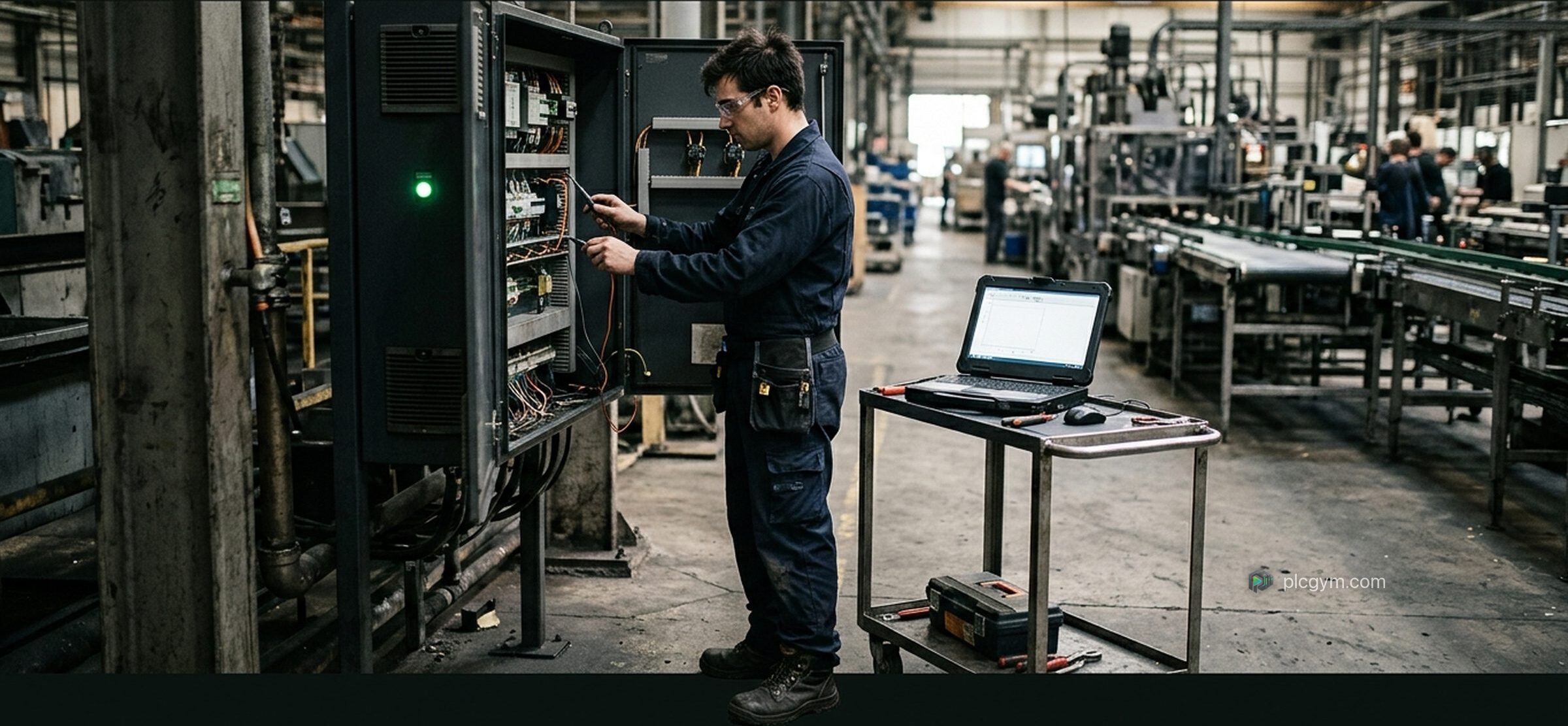
PLC technician training: the routes into the job
PLC technician training in the UK: apprenticeships, college courses and self study, what the job involves and the skills employers ask for.
Read the guide
Learn ladder logic: rungs, contacts and coils explained
Learn ladder logic from scratch: how rungs, contacts and coils work, how to build a start and stop circuit, and the mistakes beginners make.
Read the guide