

Structured Text programming: a beginner's guide
Structured Text programming for beginners: IF, CASE, FOR, timers and the scan, with examples for Siemens SCL and Rockwell Studio 5000.

In this guide
Structured Text programming is the part of PLC work that looks most like ordinary coding. Instead of drawing rungs or wiring boxes together, you type lines of code. If you've ever written a bit of Python or a spreadsheet formula, it'll feel familiar surprisingly quickly.
This guide is for beginners. It covers what Structured Text is, when engineers reach for it instead of ladder, the handful of statements you'll use every day, and the mistakes that catch most people out. Every example works the same way in Siemens and in Rockwell, apart from a few differences I'll point out as we go.
A quick word on me. I'm not a controls engineer. I'm the founder of PLC Gym and a marketer by trade, and I learned this the same way you're about to. The code below follows the Siemens and Rockwell documentation, which is linked at the bottom.
What Structured Text is
Structured Text, or ST, is one of the PLC languages set out in the international standard IEC 61131-3. It's a written language with IF statements, loops and maths, a bit like Pascal if you've come across that.
Each brand has its own version.
- Siemens calls it SCL, short for Structured Control Language, and you write it in the TIA Portal. Siemens' own programming guideline for its S7-1200 and S7-1500 controllers says SCL offers the best readability of its languages, with no performance cost compared with the others.
- Rockwell Automation calls it Structured Text and supports it in Studio 5000 Logix Designer for its Logix controllers.
The ideas are the same in both. Once you can write ST for one brand, the other is mostly a matter of learning a few naming rules. Our glossary has short entries on Structured Text and SCL if you want the one line version.
When to use Structured Text instead of ladder
Ladder logic is brilliant for simple on and off rules. It's easy to read at a machine, and maintenance teams often prefer it. But some jobs get awkward fast in ladder and stay tidy in text.
| Job | Better in ladder | Better in text |
|---|---|---|
| Start, stop and interlocks | Yes | Works fine too |
| Maths, scaling and averages | Gets messy | Yes |
| A process with many states | Possible, but long | Yes, with CASE |
| Working through a list of values | Hard | Yes, with FOR |
| Quick fault finding at the machine | Yes | Harder to follow live |
Most engineers use both, often in the same project. If you're new, it's worth learning ladder logic alongside ST so you can read whichever one you're handed.

The basics: assignments, types and comments
A line of Structured Text usually sets one value from others. The symbol := means "becomes", and every statement ends with a semicolon.
PumpOn := Start AND NOT Stop;   // a comment runs to the end of the line
Level := RawLevel * 0.1;        (* this is a comment too *)
Every tag has a type. The ones you'll use most are:
- BOOL for TRUE or FALSE, such as a button or a motor command
- INT and DINT for whole numbers, such as a count of bottles
- REAL for numbers with decimals, such as a level or a temperature
- TIME for durations, mostly in Siemens. Rockwell timers count in milliseconds instead
One thing to remember before anything else: this code runs inside the PLC scan. The controller reads its inputs, runs your code from top to bottom, then writes its outputs, over and over many times a second. Your code never waits. It runs, finishes and starts again.
IF, ELSIF and ELSE
IF is the statement you'll write most. Here's a tank that fills when it's low and stops when it's high.
IF Level >= 90.0 THEN
    FillValve := FALSE;
    HighAlarm := TRUE;
ELSIF Level <= 20.0 THEN
    FillValve := TRUE;
    HighAlarm := FALSE;
ELSE
    HighAlarm := FALSE;
END_IF;
Look at what happens between 20 and 90. The code doesn't touch FillValve, so it keeps whatever value it had last scan. If the tank was filling, it carries on filling. If it was full, it stays shut. That gap between the two limits stops the valve flicking on and off around one level, and it's a pattern you'll see all over real plants. The short cycling mission is built around it.
Simple on and off logic often doesn't need an IF at all. This one line is a complete start and stop circuit, the same seal in you'd draw in ladder:
PumpOn := (Start OR PumpOn) AND NOT Stop AND Permit;CASE: one step at a time
Lots of processes move through stages. Fill, then heat, then drain, then wait for the next batch. CASE handles that neatly. You keep a number for the current step, and only the code for that step runs.
CASE Step OF
    0:  // Idle
        IF Start THEN
            Step := 10;
        END_IF;

    10: // Fill
        FillValve := TRUE;
        IF TankFull THEN
            FillValve := FALSE;
            Step := 20;
        END_IF;

    20: // Heat
        Heater := TRUE;
        IF Temperature >= 80.0 THEN
            Heater := FALSE;
            Step := 30;
        END_IF;

    30: // Drain
        DrainValve := TRUE;
        IF TankEmpty THEN
            DrainValve := FALSE;
            Step := 0;
        END_IF;
END_CASE;
Numbering the steps in tens leaves room to slot a new step in later without renumbering everything. This kind of code is called a state machine, and our phase state machine mission has you write one with run, hold and recover.
FOR loops and arrays
An array is a numbered list of values of the same type. A FOR loop walks through it. Here's an average of four readings.
Total := 0.0;
FOR i := 0 TO 3 DO
    Total := Total + Reading[i];
END_FOR;
Average := Total / 4.0;
Keep loops short and always give them a fixed end. The whole loop runs inside one scan, so a loop that goes on too long holds up everything else the PLC is doing. If you want to try this, the array mission asks you to add four measured values. Our glossary explains arrays and FOR loops too.
Timers in Structured Text
Timers are where Siemens and Rockwell differ most, and where most beginners trip up.
In Siemens SCL, you declare a timer instance, usually in the block's static data, and call it with its inputs. Siemens recommends its IEC timers rather than the old numbered timers.
#FillDelay(IN := #Start,
           PT := T#5s);
#PumpOn := #FillDelay.Q;
In Rockwell Structured Text, the on delay timer is an instruction called TONR, which works on a tag of type FBD_TIMER. You set its inputs, call it, then read its outputs. Its preset is in milliseconds.
FillDelay.PRE := 5000;
FillDelay.TimerEnable := Start;
TONR(FillDelay);
PumpOn := FillDelay.DN;
Now the trap. A timer only resets when it sees its input go FALSE. If you put the timer call inside an IF that stops running when the input drops, the timer never sees it drop. Next time you press Start, it carries on from where it left off instead of starting again. The fix is simple: call your timers every scan, outside any IF, and feed the condition into the timer's input. Our on delay mission is the place to practise it.
Siemens and Rockwell side by side
| Siemens SCL | Rockwell Structured Text | |
|---|---|---|
| Software | TIA Portal | Studio 5000 Logix Designer |
| Local tags in the editor | Shown with a # in front, such as #Start | Plain names, such as Start |
| Global tags | Shown in quotes, such as "Start" | Controller or program tags, plain names |
| On delay timer | IEC timer instance, called with IN and PT | TONR on an FBD_TIMER tag, with PRE and TimerEnable |
| Timer output | .Q and elapsed time .ET | .DN and accumulated time .ACC |
The logic itself, the IFs, CASEs and FOR loops, reads almost the same in both.
Mistakes beginners make
- Thinking the code waits. It never does. Use timers and steps, not loops that wait for something to happen.
- Writing the same output in two places. The last line to write it in the scan wins, which can make the earlier line look broken.
- Hiding timers inside IFs. As above, the timer stops being reset properly.
- Mixing up = and :=. In ST,
=compares two values and:=sets one. - Forgetting what happens on the next scan. Ask yourself: if nothing changes, what does this line do the next time round?
Where to practise
Reading about Structured Text only gets you so far. You need to type it, run it and watch what it does, ideally against something that behaves like a real machine.
PLC Gym's simulator lets you write Siemens SCL or Rockwell Structured Text in your browser and run it on a working 3D process, with automatic tests that check every rule. If Siemens is your focus, our Siemens PLC training takes you through SCL, ladder, FBD and GRAPH in order. And if you want the bigger picture first, start with how PLC code works.
Sources
- IEC 61131-3:2025, Programmable controllers, Part 3: Programming languages, International Electrotechnical Commission
- Programming Guideline for S7-1200/S7-1500, Siemens
- Timer On Delay with Reset (TONR), Studio 5000 Logix Designer help, Rockwell Automation
- Logix 5000 Controllers IEC 61131-3 Compliance, Rockwell Automation
Practise it
Try it on a working machine
Write real Siemens or Rockwell code in the free online PLC simulator and watch a 3D pump, tank or filling line do exactly what you told it. Nothing to install.
Read next
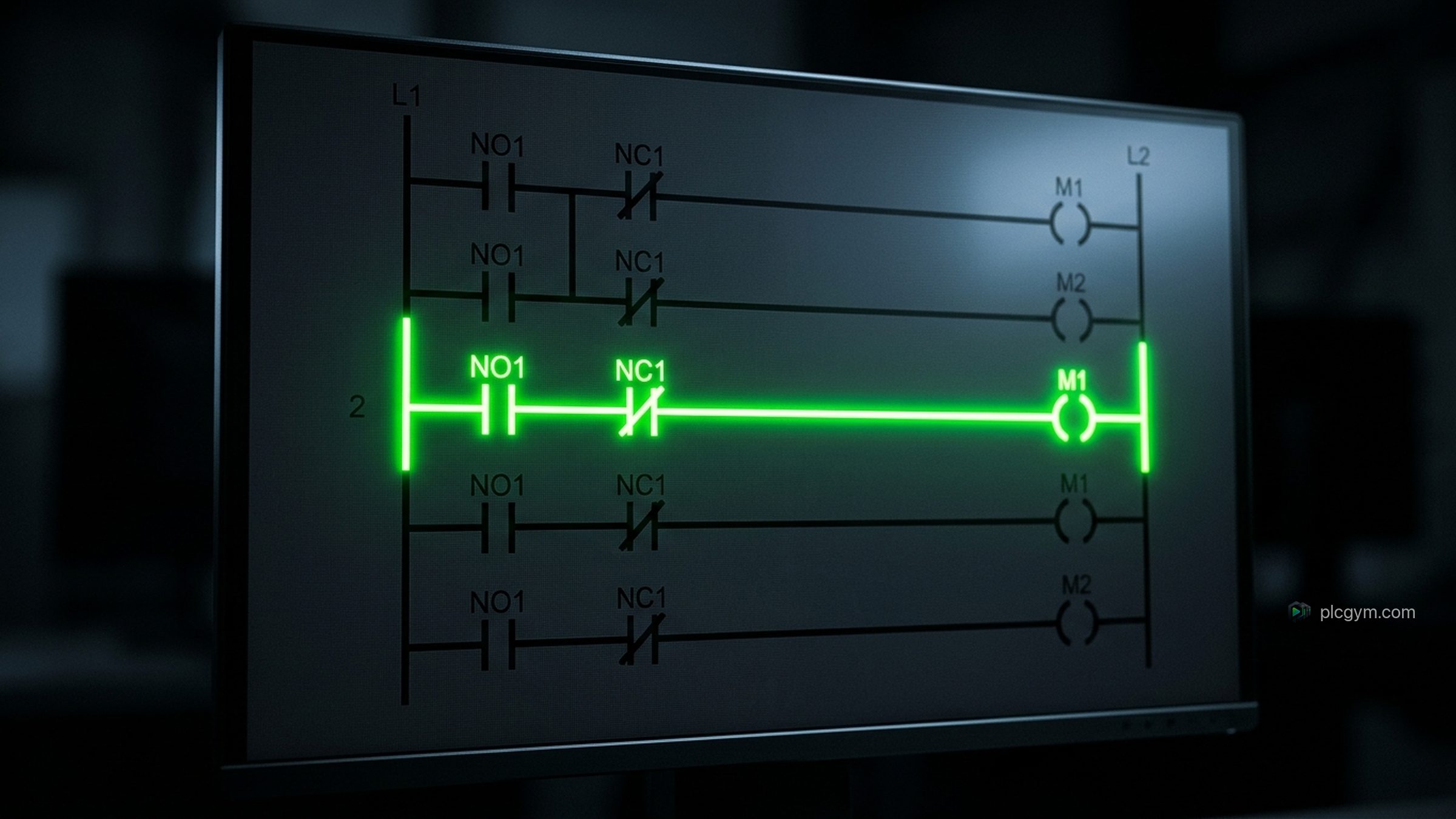
Learn ladder logic: rungs, contacts and coils explained
Learn ladder logic from scratch: how rungs, contacts and coils work, how to build a start and stop circuit, and the mistakes beginners make.
Read the guide
Programming logic controllers: how PLC code actually works
Programming logic controllers, explained: how a PLC reads inputs, runs your code and sets outputs, the standard languages, and how to start.
Read the guide
TIA Portal simulation: testing Siemens code without a PLC
TIA Portal simulation explained: what S7-PLCSIM and PLCSIM Advanced do, what they need, and how to practise Siemens code with no hardware.
Read the guide