

Overflows by a drop
Fill to 80%. At exactly 80%, the valve stays open.
Start opens FillValve. Filling stops when Level reaches 80%, or when Stop is pressed. Find why the valve stays open at exactly 80% and fix it. A tank already at 80% or above must not start filling.
Free, with no sign-up. Sign in to score the points and keep your streak.
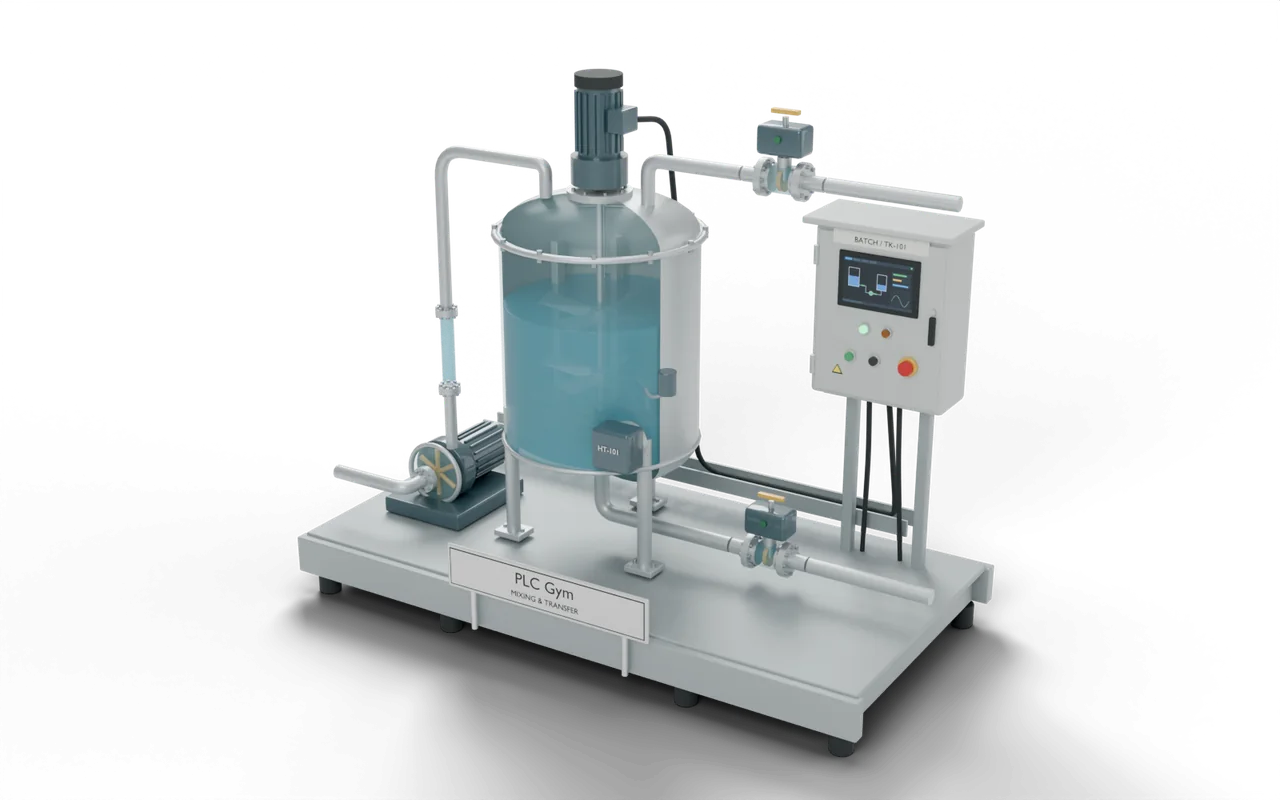
Operator report: level held at exactly 80%
Test 1 of 3StartInputOFFStopInputOFFLevelTank level79.5 %FillValveInlet valveOFF- Level
- Easy · 10 points
- Kind
- Find the fault
- Time
- About 6 min
- Pass rate
- New
- Machine
- 3D process tank
- Siemens
- LAD and SCL
- Rockwell
- Ladder and Structured Text
- Beckhoff
- Structured Text
The batch sheet says fill to 80%. On the test panel I held the level at exactly 80.0% and the inlet valve stayed open. On the real tank it overfills a little every batch.
What the checks test
- Start opens FillValve while Level is below 80%.
- At exactly 80.0%, FillValve closes.
- Start does nothing at 80% or above.
- Stop closes FillValve.
The checks run 3 tests on the machine, scan by scan: Operator report: level held at exactly 80%; Start does nothing at 80%; Stop closes the valve.
Where you’d find this
A batching tank fills to the level on the batch sheet before the next ingredient goes in.
A comparison one value out fills past the setpoint every batch. On a product tank that is waste; on a chemical tank it can be a spill.
How it should behave
- Start
- Opens FillValve below 80%.
- 80%
- Reaching 80% closes it.
- Stop
- Closes it at any time.
Pause the simulation. In the Inputs tab set Level to 80 and press Start, then Step scan. FillValve must stay closed.
More challenges
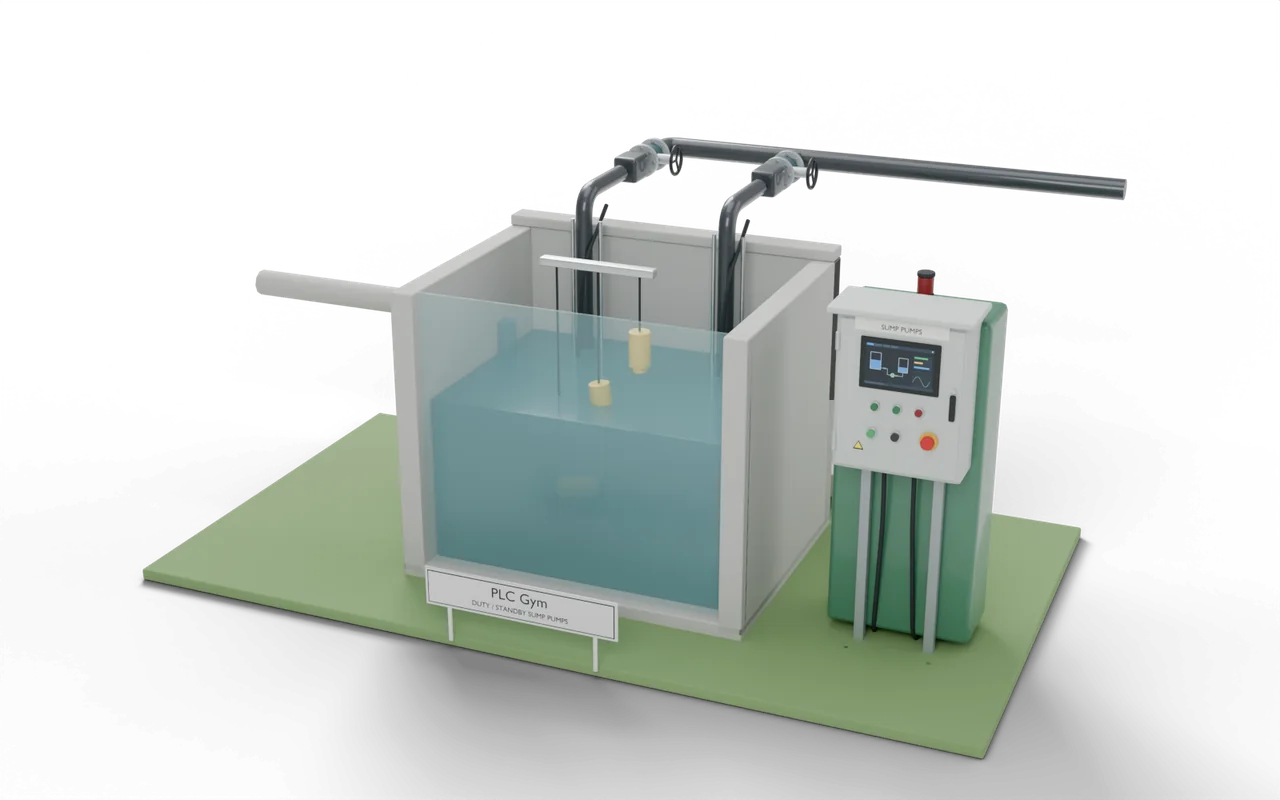 09The alarm you can’t clearAfter the storm, Reset does nothing. During it, Reset worked.Medium · Find the fault
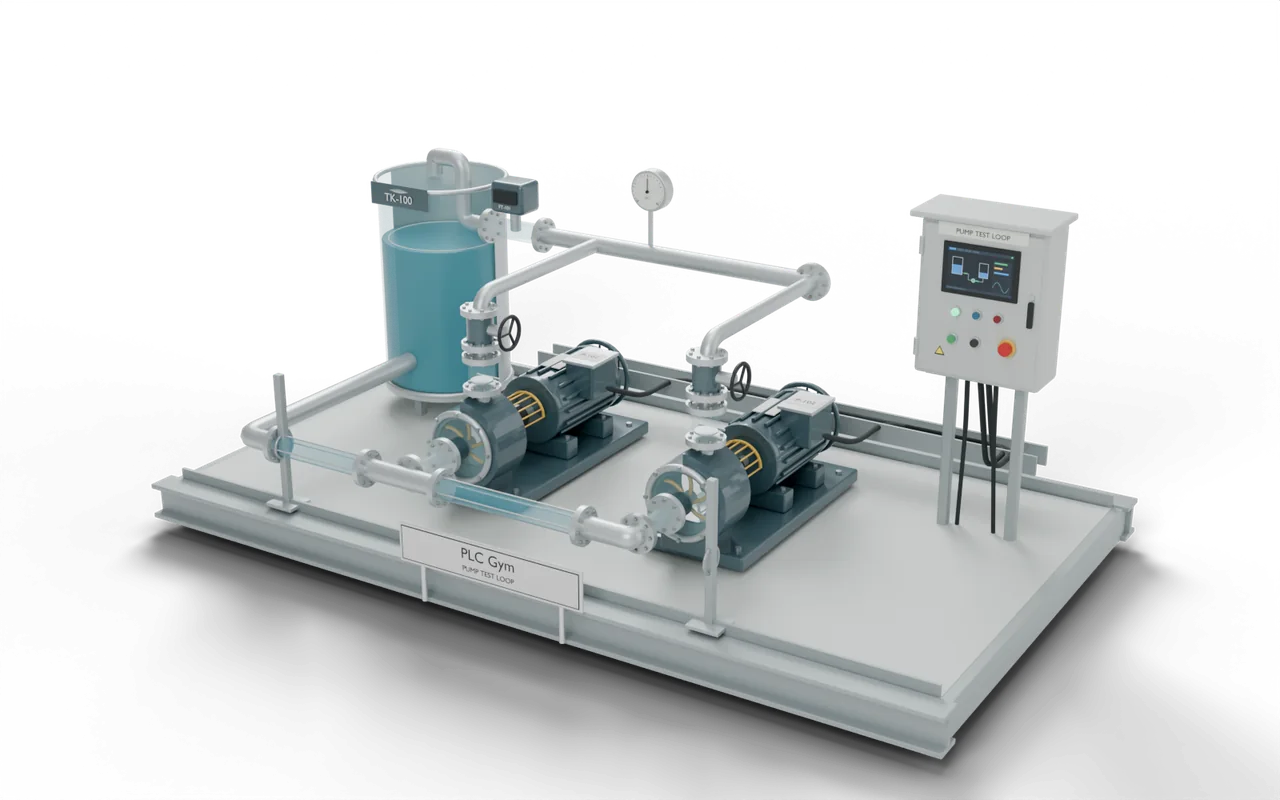 10One scan too lateThe pump command outlives a trip by one scan.Medium · Find the fault
- 11The spare that keeps stealing the runAlternation, break-before-make and a failed recovery — together.Hard · Find the fault
- 12Which fault actually happened first?A feedback timeout, first-out capture and a stuck Ack button.Hard · Find the fault