

Stop dead or slow down
Make the E-stop a category 0 stop and the gate a category 1 stop: brake first, then cut the power.
Cut the power at once on the E-stop (category 0). On the gate, brake the arm under power first and cut the power once it has stopped, or after 1 s at most (category 1).
Training only. This is not a certified safety system. On a real machine these rules run in a safety relay or a safety PLC, designed and validated to ISO 13849-1 or IEC 62061.
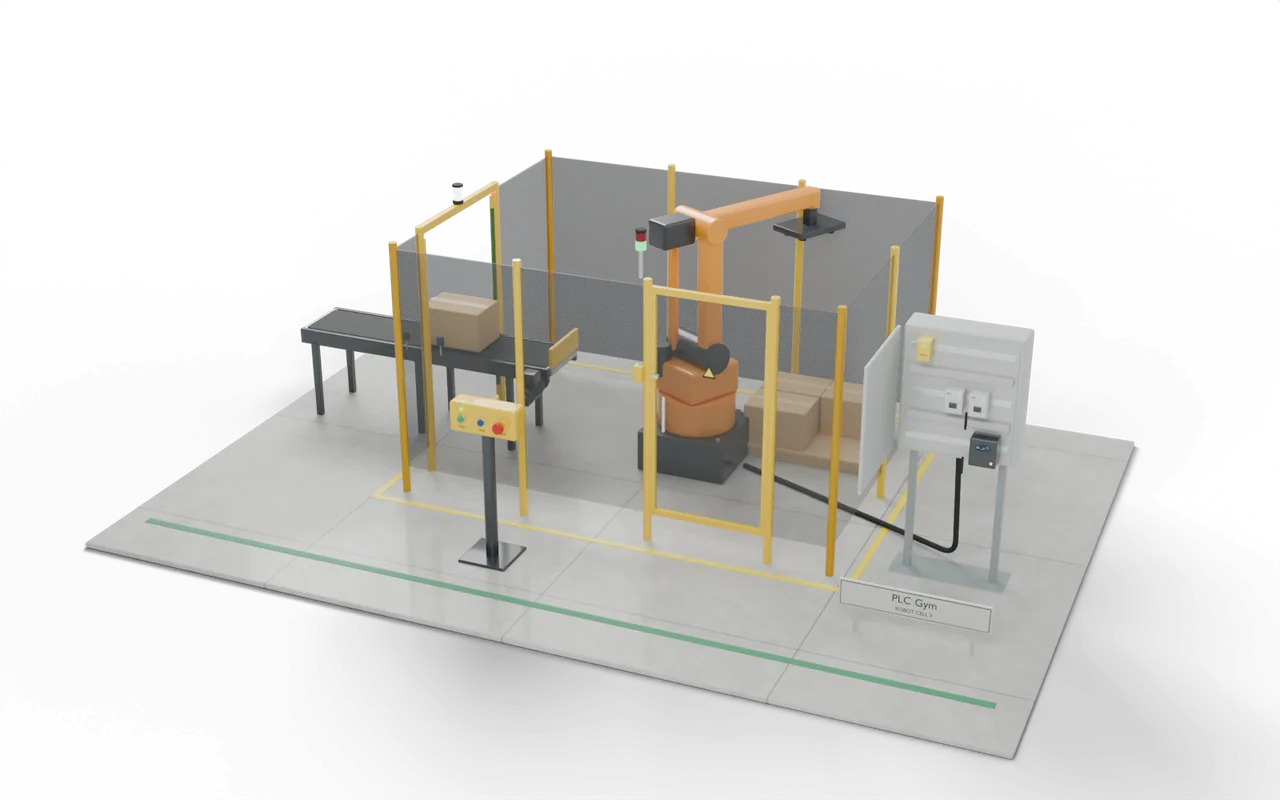 Pro mission
The gate brakes, then cuts the power
Test 1 of 5StartInputOFFResetBlue Reset button, outside the fenceOFFOpenGateInputOFFK1Contactor K1: ON closes it (power to the drive)ON- Level
- Advanced
- Time
- About 40 min
- Reward
- +500 XP
- Rig
- 3D robot safety cell
- Siemens editors
- Ladder (LAD), SCL
- Rockwell editors
- Ladder, Structured Text
- Beckhoff editors
- Structured Text
- Course stage
- 34. Safety lab 3: how to stop, and what to let through
What the tests check
- The E-stop opens K1 and K2 and stops DriveRun in the same .
- The gate stops DriveRun at once but keeps K1 and K2 closed while the arm brakes.
- K1 and K2 open at Standstill, or after 1 s if Standstill never comes.
- An E-stop during a category 1 stop cuts the power at once.
- No reset or start until the stop has finished; then Reset and Start as before.
- Try it Use the buttons below the model and watch the rig respond.
- Test solution Every check runs on your code in one press.
- Replay If one fails, step through it one scan at a time to see why.
Where you’d see this on site
Drives on robots, saws and big fans often use category 1 stops. Braking under power stops a heavy arm much sooner than letting it coast.
Cutting the power is the simplest stop, but a heavy arm then coasts. With the gate already open, those seconds are when a hand reaches in. Category 1 uses the drive to stop it first.
A robot stacks cartons inside a fence. A gate lets a fitter in, a light curtain lets the cartons in, and an emergency stop sits outside. Two contactors in a row cut the robot's power, so one that sticks cannot keep it running.
- InfeedCartons through the curtain
- PickRobot takes the carton
- GuardStop, reset, restartYou are here
- PalletSix cartons, then change
On a real site: places, parts and safety
- Robot palletising and packing cells
- Machine tending: robots loading presses and machine tools
- Any guarded machine with a door, a curtain or an E-stop
Training only: this rig is not a certified safety system. Real safety functions run in safety relays or a safety PLC, designed and validated to ISO 13849-1 or IEC 62061.
IEC 60204-1 sets out stop categories 0, 1 and 2 and how an emergency stop must behave. Which category a machine uses comes from its risk assessment.
The sizes, timings and cutaways are teaching choices, not a drawing of any one real installation.
Next in the course
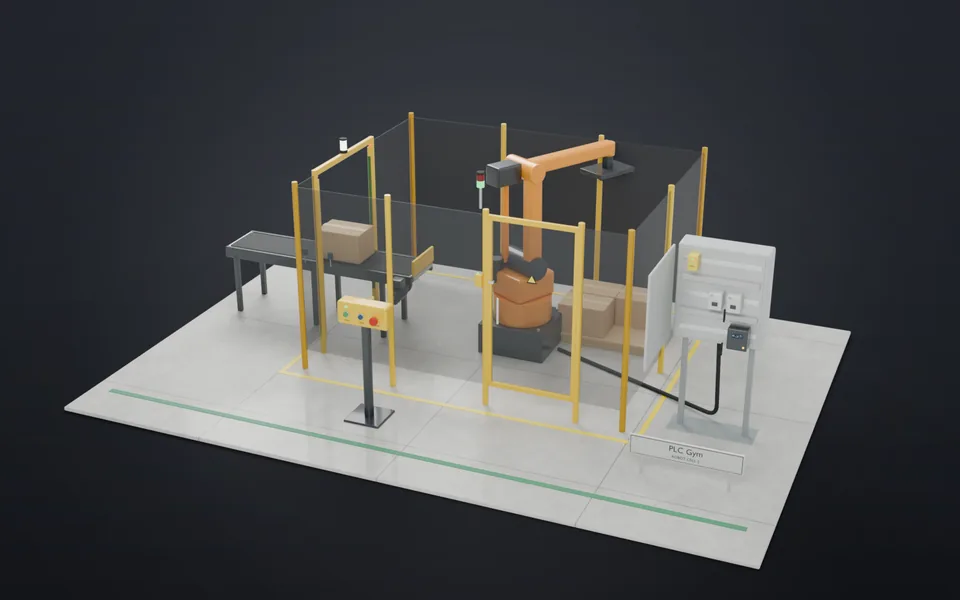 69Commission the cellBring every safety rule together: two-channel devices, both stop categories, muting and contactor checks.Expert · 75 min · +900 XP
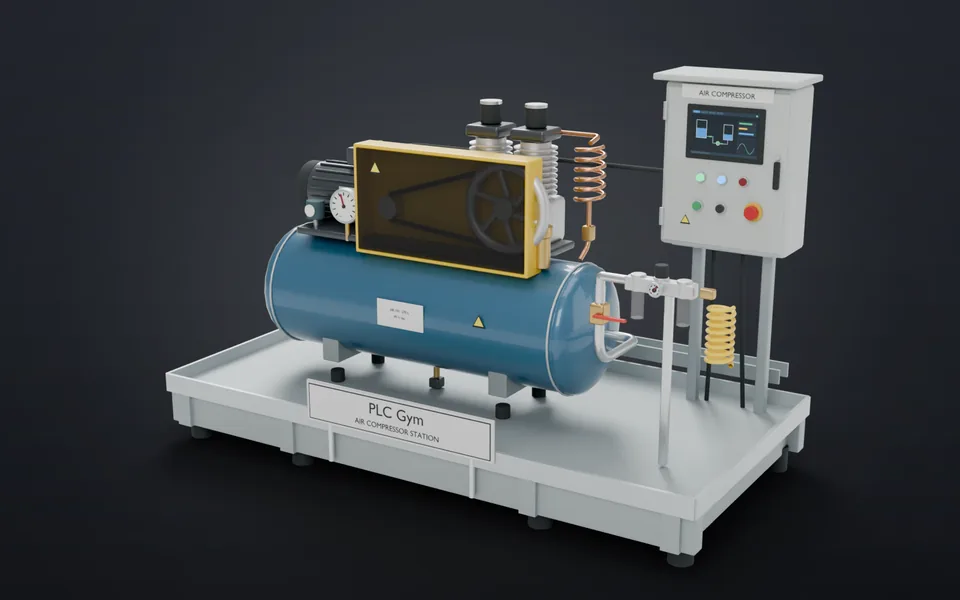 70Grey is normalSave colour for the things an operator must act on.Applied · 20 min · +300 XP
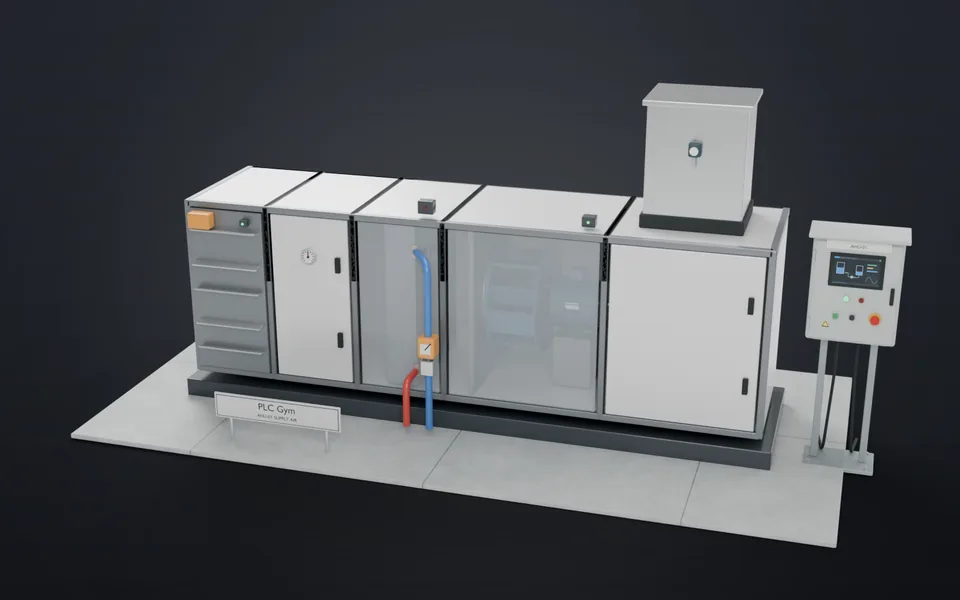 71Read it at a glanceAnswer 'is it all right?' in one second, in plain words.Applied · 25 min · +300 XP
 72Alarms in priority orderNew alarms flash and sound until acknowledged; the urgent one comes first.Advanced · 30 min · +350 XP