

A PLCSIM alternative for practising Siemens code
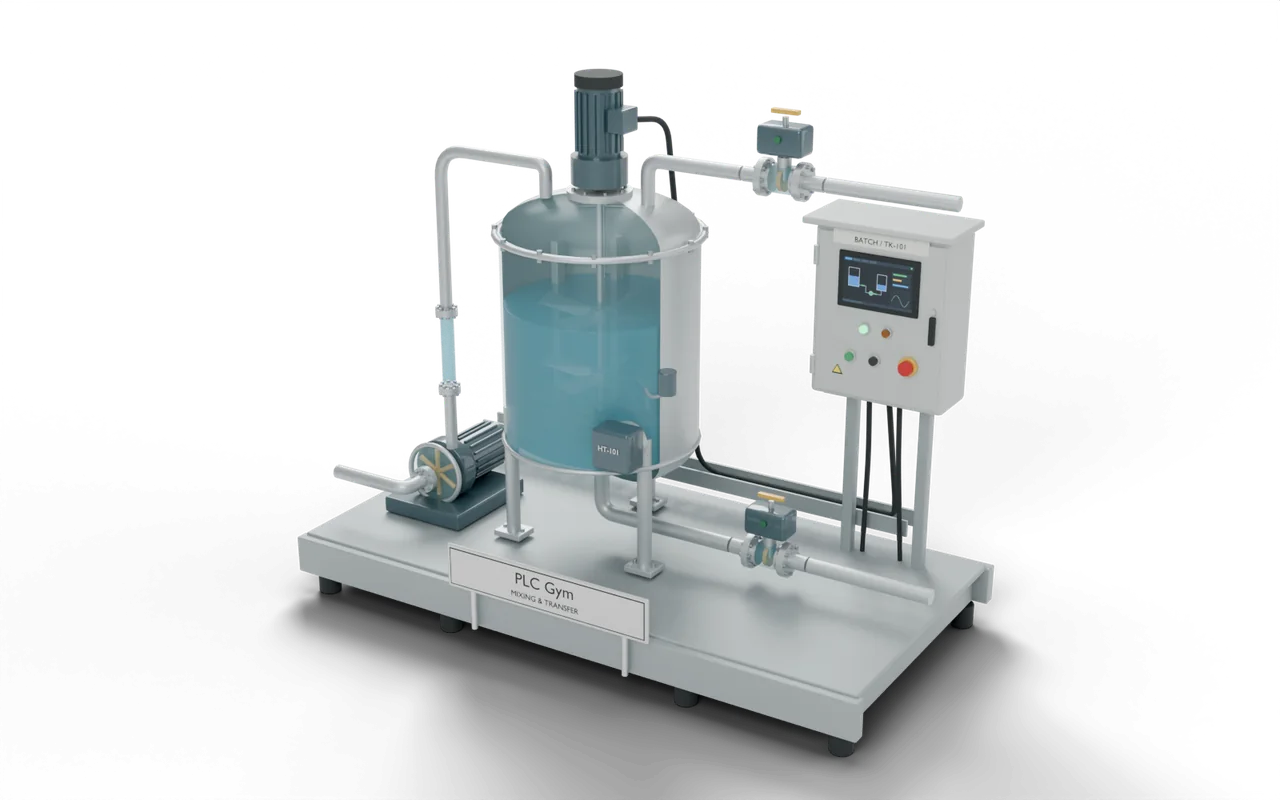
Siemens S7-PLCSIM runs your TIA Portal project on a simulated S7 controller on your PC, so you can test it without hardware. It simulates the controller, not the machine. PLC Gym runs your Siemens code in a web browser against a 3D machine that responds, but it isn't TIA Portal. Each is right for a different job.
Which should you choose?
Choose S7-PLCSIM if
- You're testing a real TIA Portal project before it goes to site.
- You need your exact controller, firmware and hardware configuration.
- You're learning TIA Portal's own menus and online tools.
Choose PLC Gym if
- You're learning the logic and don't have TIA Portal or a licence.
- You want a machine that reacts, and tests that check every rule.
- You're on a Mac, a Chromebook or a PC you can't install software on.
What each can and can’t do
| Question | S7-PLCSIM | PLC Gym |
|---|---|---|
| What is simulated? | PartlyThe controller. Your TIA Portal project runs on a virtual S7 PLC. | YesThe controller and the machine. Your code drives a 3D process that responds. |
| Where does it run? | PartlyOn a Windows PC, with TIA Portal. TIA Portal V21 needs 64-bit Windows 10 or 11, or Windows Server, and at least 8 GB of memory. | YesAny modern browser on a laptop, desktop, Mac or Chromebook. A phone is fine for trying the machines and reading lessons. |
| Your real TIA Portal project | YesYes. It downloads like a real PLC, with the same online and watch tools. | PartlyPartly. Paste or upload an SCL source exported from TIA Portal and run it on a 3D machine. Not the whole project: no hardware configuration, networks or online tools. |
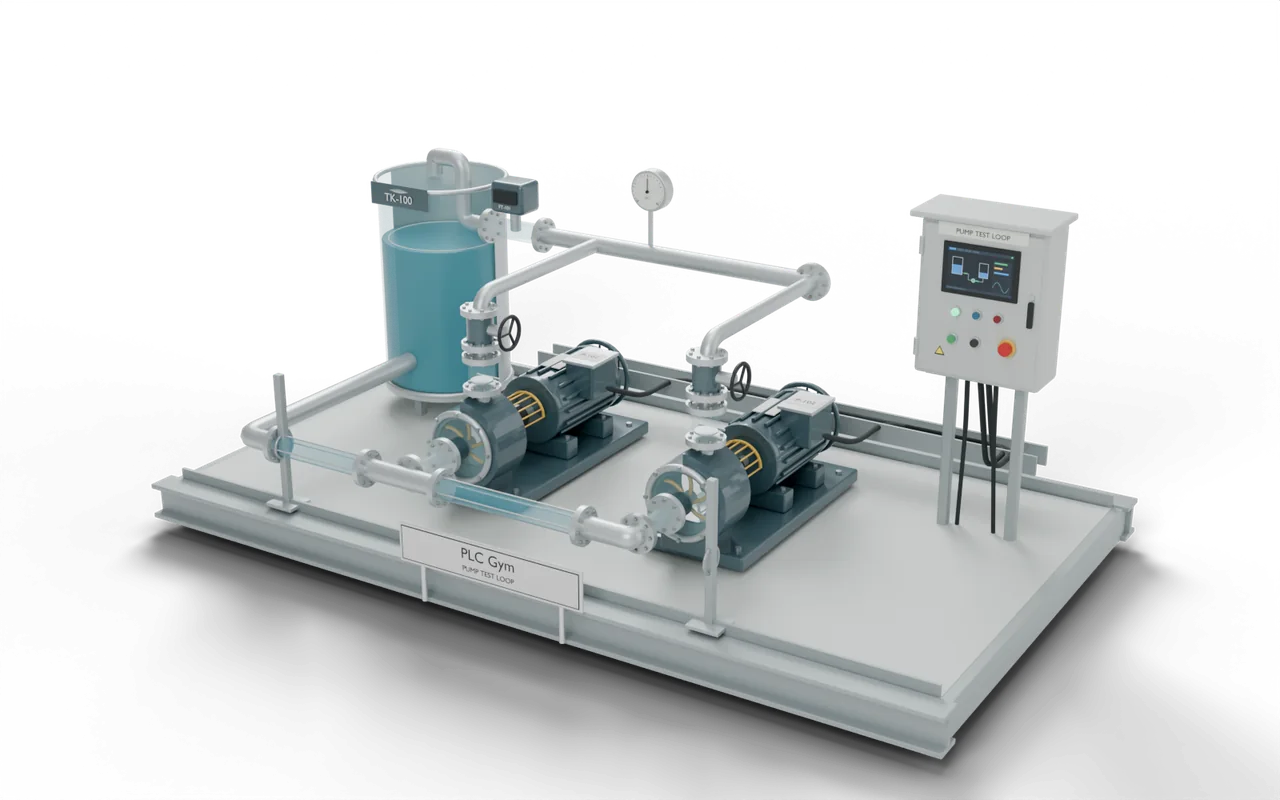
| A machine to control | NoNo. You set inputs by hand in a watch table, or connect a process model such as Siemens SIMIT to PLCSIM Advanced. | Yes26 working 3D machines, from a pump to a whole factory, run by your code. |
| Controllers and hardware | YesS7-1200, S7-1500 and ET 200SP, among others. PLCSIM Advanced covers the S7-1500 and ET 200SP families. | NoNo hardware model. No hardware configuration, networks or fieldbus. You write the logic in a function block, with your own blocks and data types. |
| Lessons and marking | NoNo. It's a test tool. | YesA step-by-step course, 74 missions and 20 challenges. Automatic tests check every one, scan by scan. |
| Other makers | NoSiemens only. | YesRockwell Studio 5000 languages and Beckhoff TwinCAT Structured Text too. |
PLC Gym’s own limits are in the table too. The language reference lists where its simulator differs from TIA Portal and Studio 5000.
Try the same task here
Common questions
Is PLC Gym a free PLCSIM alternative?
For learning, yes: the free plan includes the first course module in all four Siemens languages it supports. Pro is £15 a month. Everything is free while we test, until 5 December 2026.
Can PLC Gym replace PLCSIM for a real project?
No. To test a real TIA Portal project, with your controller, firmware and hardware configuration, use PLCSIM. PLC Gym is for learning and practising the logic. For a quick look at how a block of your SCL behaves, you can paste it into PLC Gym's code test page and run it on a 3D machine.
Can I take my PLC Gym code into TIA Portal?
Yes. Siemens SCL exports as an external source file (.scl) that TIA Portal can import.
Where these facts come from
Checked on 31 October 2026. Prices and features change, so check S7-PLCSIM’s own site before you buy.
- S7-PLCSIM Advanced, Siemens
- S7-PLCSIM help, Siemens
- TIA Portal V21 software and hardware requirements, Siemens
- SIMIT, Siemens
S7-PLCSIM is a trademark of its owner. PLC Gym is independent and is not affiliated with or endorsed by its makers.