

One alarm block for every alarm: PLC SCADA training exercise
New, seen, cleared: one loop takes every alarm through the same states and marks the one that came first.
Write the alarm block behind the factory's alarm list: one loop that takes each of five alarms through new, seen and cleared, counts what is active and unacknowledged, reports the top priority and marks the alarm that came first.
No card. Nothing to pay. Nothing to cancel.
Official release: 5 December. Top the leaderboard on the day and win 3 months of Pro, plus 2 weeks of Pro to give a friend. 2nd place wins 4 weeks. 3rd place wins 2 weeks. Rules
- Every Coaching lesson, from zero
- Every mission and lesson, as you level up
- A practical test for every title, with a certificate
- Rewind any test, one scan at a time
- Worked solutions when you're stuck
- The code converter, as much as you like
 PRO (needs Pro) mission
New, seen, cleared
Test 1 of 6ActiveCountActive0UnackCountNot acknowledged0TopPriorityTop priority0FirstOutFirst out, alarm number0- Level
- Expert
- Time
- About 45 min
- Reward
- +800 XP
- Rig
- 3D model factory
- Siemens editors
- SCL
- Rockwell editors
- Structured Text
- Beckhoff editors
- Structured Text
- Stage
- 44. SCADA 2: one alarm block for every alarm
One alarm block for every alarm: what your code must do
The plant control, the five alarm conditions Cond[0] to Cond[4] and their priorities Prio[0] to Prio[4] are written. Write one FOR loop over the five alarms that keeps AlarmState[0] to AlarmState[4]: 0 Normal, 1 New (active, not acknowledged), 2 Seen (active, acknowledged), 3 Cleared, not seen. From 0, the condition coming on gives 1. In 1, a press of Ack gives 2; the condition going off gives 3. In 2, the condition going off gives 0. In 3, a press of Ack gives 0; the condition coming back gives 1. Each alarm makes at most one move a scan, and Ack acts on the press, not while it is held. ActiveCount is how many alarms are in state 1 or 2. UnackCount is how many are in state 1 or 3. TopPriority is the most urgent priority among the alarms not in state 0: 1, 2 or 3, or 0 for none. FirstOut is the number of the alarm that started the trouble, counting from 1: when an alarm leaves state 0 while FirstOut is 0, FirstOut becomes its number. If two start in the same scan, the one earlier in the table wins. FirstOut goes back to 0 only when every alarm is in state 0 again. On the Operator screen tab, choose how the list treats a cleared alarm, the first alarm and the states.
- States
- 0 Normal, 1 New, 2 Seen, 3 Cleared, not seen.
- Ack
- On the press: 1 becomes 2, and 3 becomes 0.
- Totals
- ActiveCount: states 1 and 2. UnackCount: states 1 and 3. TopPriority: the most urgent not in 0.
- First out
- Set by the first alarm to leave 0; cleared when all are 0 again.
One alarm block for every alarm: inputs and outputs
Your program reads 19 inputs and sets 20 outputs. One more input drives the simulation or shows a reading, for you to test with. The names are the same in every maker’s editor.
One alarm block for every alarm: what the tests check
- Every alarm follows the same four states: 0 Normal, 1 New, 2 Seen, 3 Cleared, not seen.
- An alarm that clears before Ack stays on the list as 3 until Ack; one that comes back before Ack is New again.
- Ack acts on the press: a held Ack does not acknowledge an alarm that arrives later.
- ActiveCount, UnackCount and TopPriority match the list on every .
- FirstOut names the alarm that came first and holds it until the list is empty.
- The list keeps a cleared alarm until it has been seen, marks the first one and says each state in words.
- Try it Use the buttons below the model and watch the rig respond.
- Test solution Every check runs on your code in one press.
- Rewind PRO (needs Pro) If one fails, step back through it one scan at a time to see why.
Stuck on this mission? Ask the members in the Locker Room.
Where you’d see this on site
A plant's SCADA server holds one alarm table, each line with a state, a priority and a time. The first out mark is what the day shift reads after a night of stops.
One trip can raise twenty alarms in a few seconds. Without states and a first out mark, the operator acknowledges them all to silence the horn and the cause is lost.
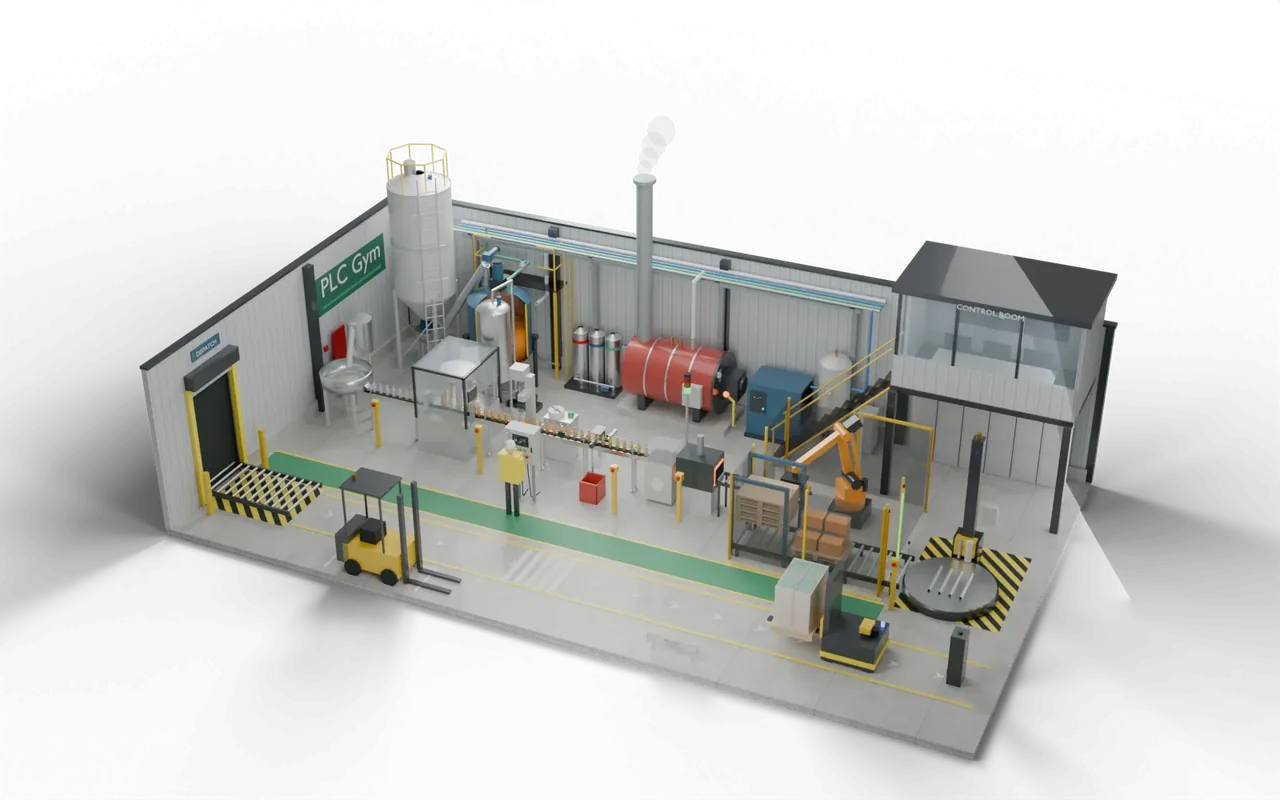
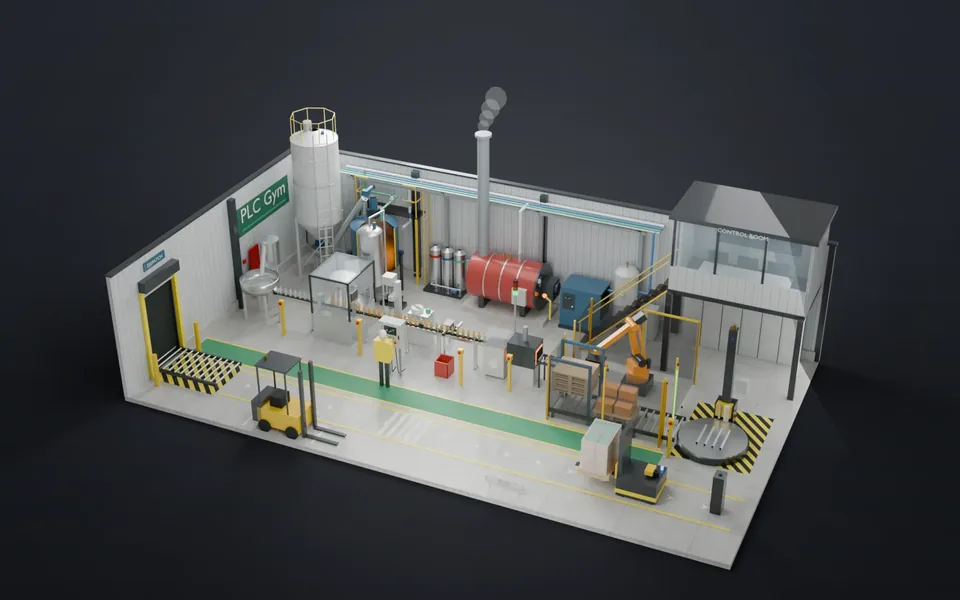
A small drinks factory makes an orange drink. Sugar and water are batched and pasteurised, then pumped to a filler. Bottles are filled, capped, labelled and inspected, packed in sixes, stacked on pallets by a robot, wrapped and carried to the dock by a driverless forklift. Every machine has its own controls; the plant controller decides when each may run, hands work from one to the next, and stops everything safely.
- BatchMix and pasteurise
- FillFill, cap, label
- InspectReject bad bottles
- PackRobot stacks packsYou are here
- ShipWrap, AGV to dock
On a real site: places, parts and safety
- Soft drinks and juice bottling halls
- Sauces, dairy and liquid food plants
- Household and personal-care liquids
An emergency stop is wired through a safety relay that cuts the power on its own. The program must then hold everything off and wait for a deliberate Reset and Start, so nothing moves by surprise.
Robot cells are fenced. Light curtains and interlocked doors stop the robot when someone goes in, and a restart needs a reset from outside the cell, in the spirit of ISO 10218 and ISO 13849.
The sizes, timings and cutaways are teaching choices, not a drawing of any one real installation.
Next on the road
 88Write the batch record as it happensBatch number, time in every phase, totals and the peak temperature, closed the moment the batch ends.Advanced · 45 min · +650 XP
 87Log what explains a stopStore a value when it changes enough, never go silent, then read the trend to find what failed.Advanced · 45 min · +500 XP
- 86One screen for the whole plantFour stations report one state each, and the overview says which one needs you.Advanced · 40 min · +650 XP
- 85Run the whole factoryStart-up, batching, bottling, rejects, robot, wrapper, AGV and safety: one program for the whole plant.Expert · 240 min · +3000 XP