

Build your first sequence chart: SFC PLC exercise
Ready. Fill. Complete.
Build a sequence that runs one fill: Ready, Fill, then Complete. Each phase is a step, a box in the chart, and only one step is active at a time. An action inside a step turns equipment ON while that step is active. A transition, the link to the next step, moves the chart on when its condition is .
No card. Nothing to pay. Nothing to cancel.
Official release: 5 December. Top the leaderboard on the day and win 3 months of Pro, plus 2 weeks of Pro to give a friend. 2nd place wins 4 weeks. 3rd place wins 2 weeks. Rules
- Every Coaching lesson, from zero
- Every mission and lesson, as you level up
- A practical test for every title, with a certificate
- Rewind any test, one scan at a time
- Worked solutions when you're stuck
- The code converter, as much as you like
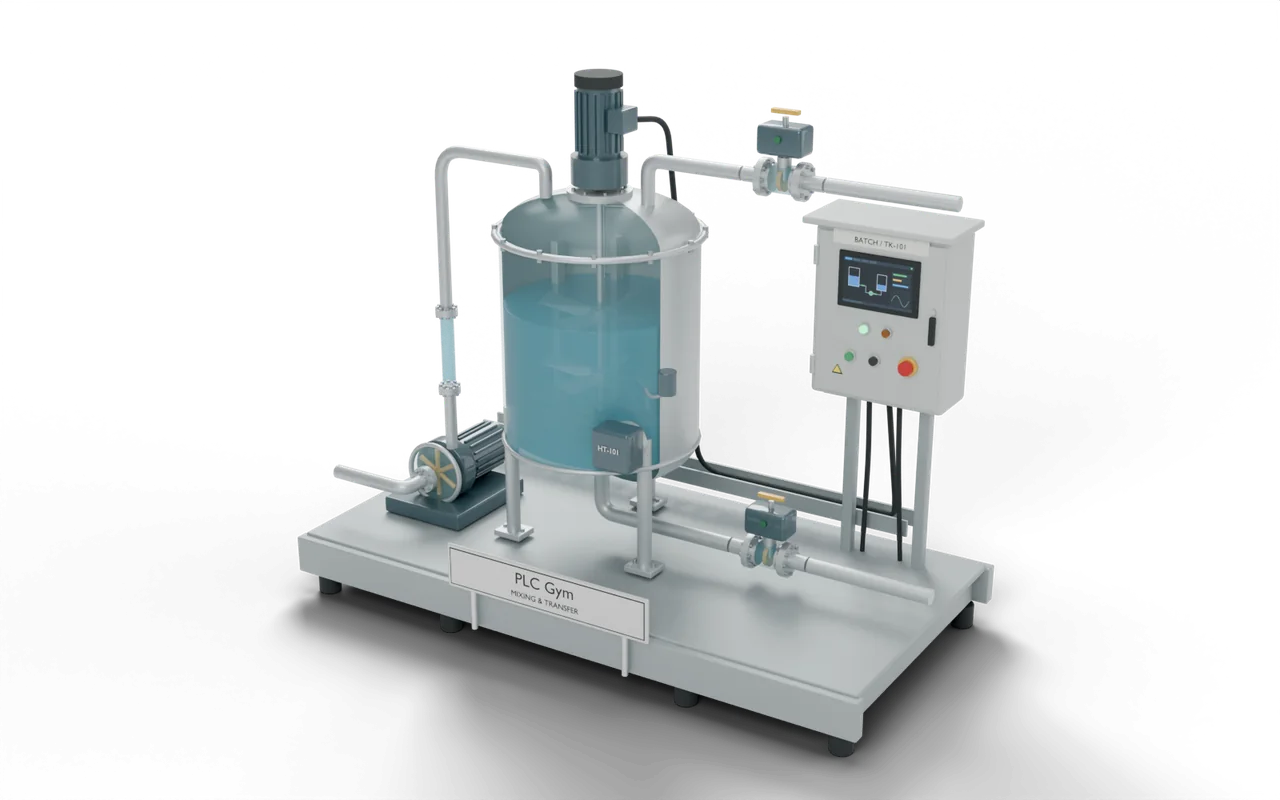 PRO (needs Pro) mission
Runs one fill: fill, then complete
Test 1 of 4StartInputOFFLevelTank level70 %PumpOnFill pumpONDoneFill completeON- Level
- Applied
- Time
- About 10 min
- Reward
- +250 XP
- Rig
- 3D process tank
- Siemens editors
- GRAPH
- Rockwell editors
- SFC
- Stage
- 12. One batch, clear phases
Build your first sequence chart: what your code must do
- Ready → Fill
- PumpOn, FillValve, MixerOn, DrainValve and Done are all OFF. Start AND Permit moves to Fill.
- Fill → Complete
- PumpOn and FillValve ON. MixerOn, DrainValve and Done OFF. Level >= 70% moves to Complete.
- Complete
- Done ON. PumpOn, FillValve, MixerOn and DrainValve OFF. Done stays ON until the chart is reset.
- Chart timing
- In this simulator, a GRAPH or SFC chart runs a new step's actions one scan after it enters that step. So press Step scan twice to enter a phase and see its outputs.
Build your first sequence chart: inputs and outputs
Your program reads 3 inputs and sets 5 outputs. The names are the same in every maker’s editor.
Build your first sequence chart: what the tests check
- In Ready, PumpOn, FillValve, MixerOn, DrainValve and Done are all OFF. Start AND Permit moves to Fill.
- Fill turns on PumpOn and FillValve. Level >= 70 moves to Complete, which turns Done ON.
- Complete has no way out, so Done stays ON. MixerOn and DrainValve stay OFF in every step.
- Only the listed for the current phase are ON. All the other equipment is OFF.
- Try it Use the buttons below the model and watch the rig respond.
- Test solution Every check runs on your code in one press.
- Rewind PRO (needs Pro) If one fails, step back through it one scan at a time to see why.
Stuck on this mission? Ask the members in the Locker Room.
Where you’d see this on site
A drinks mixer is filled with ingredients before anything else happens. The fill must stop by itself when the tank is full.
A fill that never ends spills liquid onto the floor. A chart shows which step the job is in, so an engineer can see why it is waiting.
At a drinks factory, valves let measured amounts of water and syrup into a mixing tank. An electric mixer blends them into one batch. An outlet valve then sends the drink to a holding tank. Filling machines bottle it from there.
- Ingredient tanksHold the water and syrup
- Mixing tankFill, mix and measure one batchYou are here
- Holding tankKeeps the finished drink ready
- Bottle fillerPuts the drink into bottles
On a real site: places, parts and safety
- Drinks factory — blending water and syrup
- Paint factory — mixing ingredients into a consistent colour
- Water-treatment works — preparing a measured chemical mixture
- Brewery — heating water for washing equipment
A full tank does not close its own inlet. Water keeps arriving until the valve closes, so an open inlet can flood the room.
A heater that is not covered by liquid can overheat. Real tanks have separate safety devices as well as the PLC program.
The sizes, timings and cutaways are teaching choices, not a drawing of any one real installation.
Next on the road
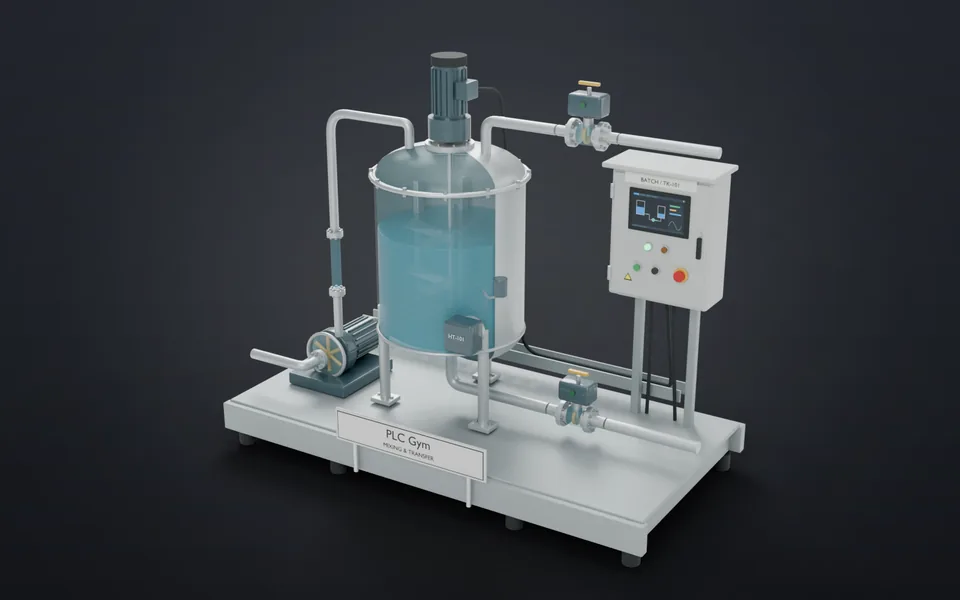 25Choose the right routePick route A or B, then stick with it.Applied · 18 min · +250 XP
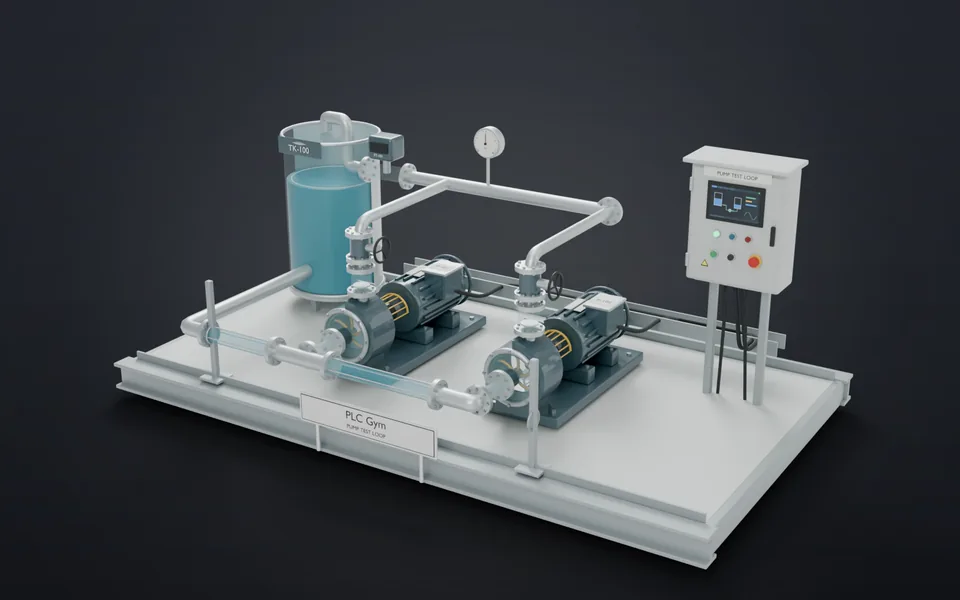 26What stays on?A stored output stays ON until you reset it.Applied · 18 min · +200 XP
- 27Return to a known stateReset the chart and turn every output OFF.Foundation · 18 min · +150 XP
- 28Complete, but still pumpingFind the command that stays on after its step ends.Foundation · 12 min · +150 XP