

Write your first state machine: PLC exercise
Use a numbered state to start, finish and reset a mixing job.
Run a mixing job with a CASE statement. State is a whole number (a ) that says which state the job is in: 0 Idle, 10 Running or 50 Complete. Start moves Idle to Running. MixDone moves Running to Complete. Reset moves Complete back to Idle. Change State at most once per , one pass through your code. Every state sets all four .
No card. Nothing to pay. Nothing to cancel.
Official release: 5 December. Top the leaderboard on the day and win 3 months of Pro, plus 2 weeks of Pro to give a friend. 2nd place wins 4 weeks. 3rd place wins 2 weeks. Rules
- Every Coaching lesson, from zero
- Every mission and lesson, as you level up
- A practical test for every title, with a certificate
- Rewind any test, one scan at a time
- Worked solutions when you're stuck
- The code converter, as much as you like
 PRO (needs Pro) mission
Start, complete and reset
Test 1 of 5StateJob stateRunningPumpOnPump commandOFFValveCmdInlet valve commandOFFMixerOnMixer commandOFF- Level
- Applied
- Time
- About 12 min
- Reward
- +250 XP
- Rig
- 3D process tank
- Siemens editors
- SCL
- Rockwell editors
- Structured Text
- Beckhoff editors
- Structured Text
- Stage
- 16. Write phases in text
Write your first state machine: what your code must do
This is the first of three missions on the same mixing job. MixDone is the mixer’s done signal. It comes on after four seconds of mixing. The operating rules below list each state and what every output must be. The first move is written for you. There is no Stop or Hold yet. The next two missions add them.
- 0 · Idle
- All outputs OFF. Start → 10. Other inputs do nothing.
- 10 · Running
- PumpOn, ValveCmd and MixerOn ON. Done OFF. MixDone → 50. Other inputs do nothing.
- 50 · Complete
- Pump, valve and mixer OFF. Done ON, and it stays ON after MixDone goes OFF. Reset → 0. It must not also start in that same scan. Other inputs do nothing.
- Scan rules
- State starts at 0. Change State at most once per scan. On the scan where State changes, the outputs may match the old state or the new one, as a full set. From the next scan, they must match the current state.
Write your first state machine: inputs and outputs
Your program reads 3 inputs and sets 4 outputs. The names are the same in every maker’s editor.
Write your first state machine: what the tests check
- Every state sets all four outputs: pump, valve, mixer and Done.
- Each state has one way out: Start from Idle, MixDone from Running and Reset from Complete.
- State changes at most once per scan, even with Start, MixDone and Reset all on together.
- Try it Use the buttons below the model and watch the rig respond.
- Test solution Every check runs on your code in one press.
- Rewind PRO (needs Pro) If one fails, step back through it one scan at a time to see why.
Stuck on this mission? Ask the members in the Locker Room.
Where you’d see this on site
A factory mixer is waiting, running or finished. The operator starts each batch, and resets the panel when it is done.
Without one clear state, a finished batch can start again by itself. A Done lamp that copies a sensor goes out as soon as the mixer stops.
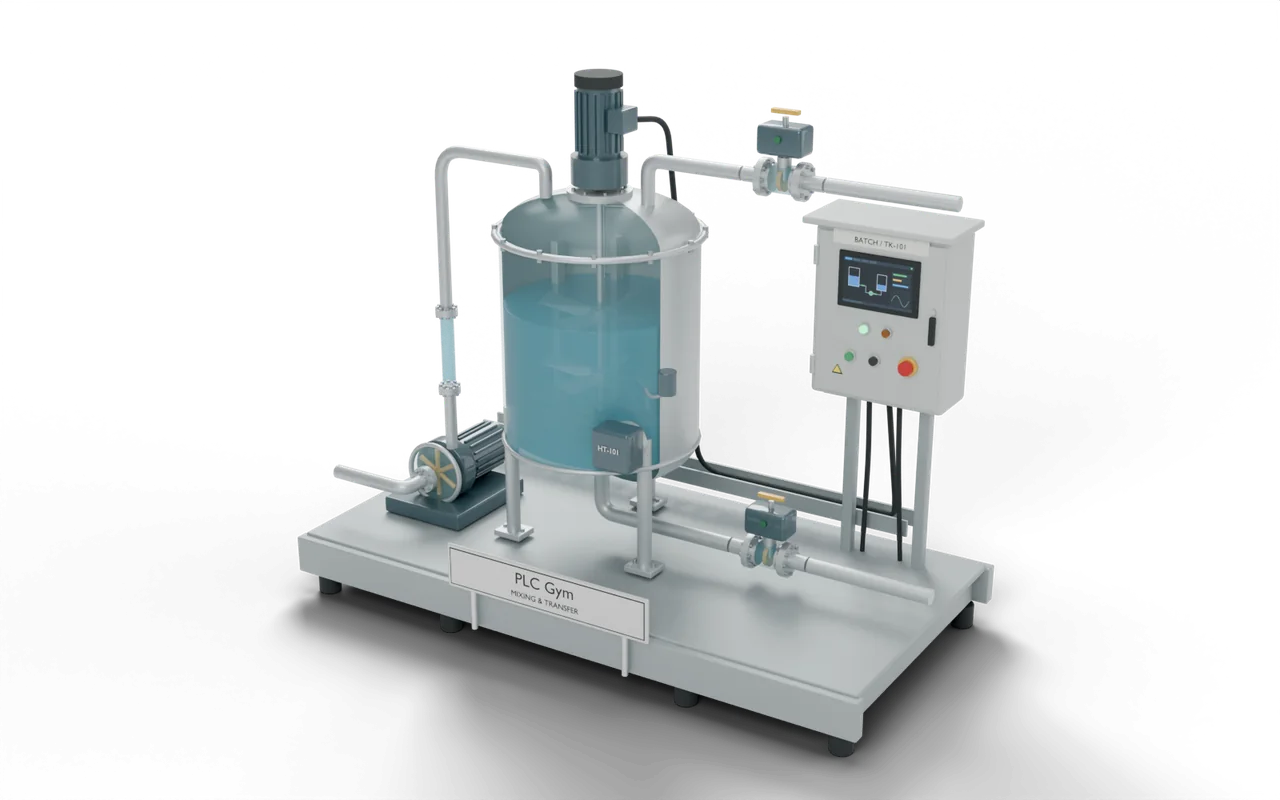
At a drinks factory, valves let measured amounts of water and syrup into a mixing tank. An electric mixer blends them into one batch. An outlet valve then sends the drink to a holding tank. Filling machines bottle it from there.
- Ingredient tanksHold the water and syrup
- Mixing tankFill, mix and measure one batchYou are here
- Holding tankKeeps the finished drink ready
- Bottle fillerPuts the drink into bottles
On a real site: places, parts and safety
- Drinks factory — blending water and syrup
- Paint factory — mixing ingredients into a consistent colour
- Water-treatment works — preparing a measured chemical mixture
- Brewery — heating water for washing equipment
A full tank does not close its own inlet. Water keeps arriving until the valve closes, so an open inlet can flood the room.
A heater that is not covered by liquid can overheat. Real tanks have separate safety devices as well as the PLC program.
The sizes, timings and cutaways are teaching choices, not a drawing of any one real installation.
Next on the road
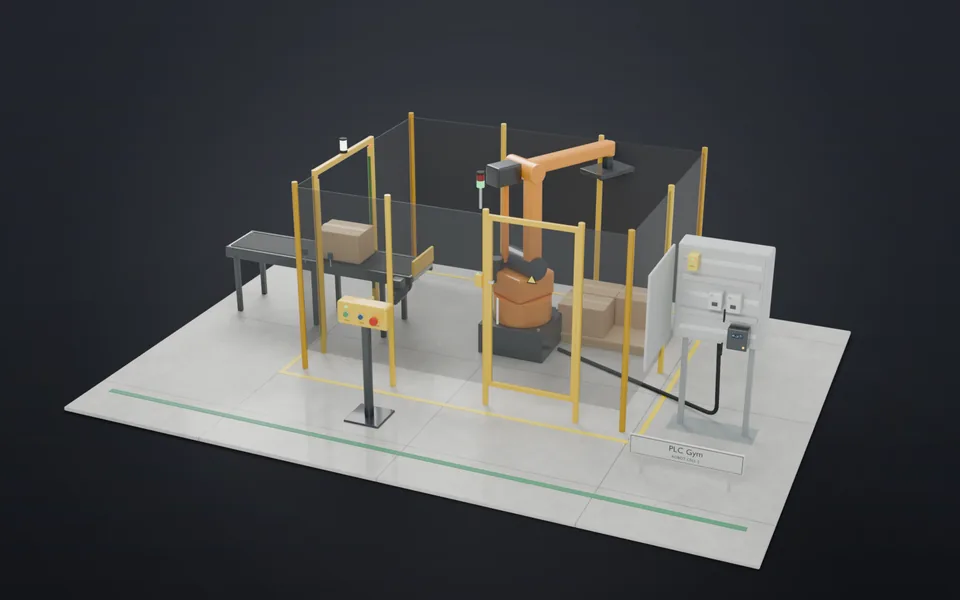 49Stop means stopWrite an emergency stop that needs a separate, deliberate reset before anything can start again.Applied · 25 min · +250 XP
- 50Shut is not startInterlock the cell gate: opening it stops the robot, and shutting it starts nothing.Applied · 25 min · +300 XP
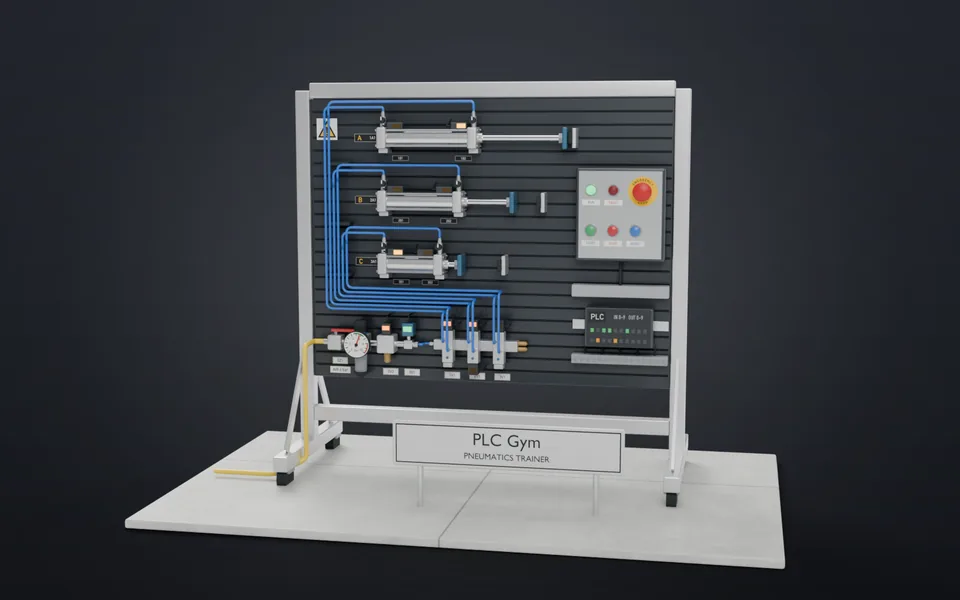 51Out and back on a switchSend one cylinder out, and bring it back when its switch says so.Applied · 15 min · +250 XP
- 52A+ B+ B− A−Run two cylinders through the classic four move sequence.Applied · 30 min · +350 XP