

The transfer that never finished: PLC fault finding exercise
Find why the tank stops filling, and make the program say so.
Transfers start and never finish, and the screen says everything is running. The program is sound: something on the skid has failed. Find it with the and list, then make the program detect it, light the right fault lamp and shut the skid down.
No card. Nothing to pay. Nothing to cancel.
Official release: 5 December. Top the leaderboard on the day and win 3 months of Pro, plus 2 weeks of Pro to give a friend. 2nd place wins 4 weeks. 3rd place wins 2 weeks. Rules
- Every Coaching lesson, from zero
- Every mission and lesson, as you level up
- A practical test for every title, with a certificate
- Rewind any test, one scan at a time
- Worked solutions when you're stuck
- The code converter, as much as you like
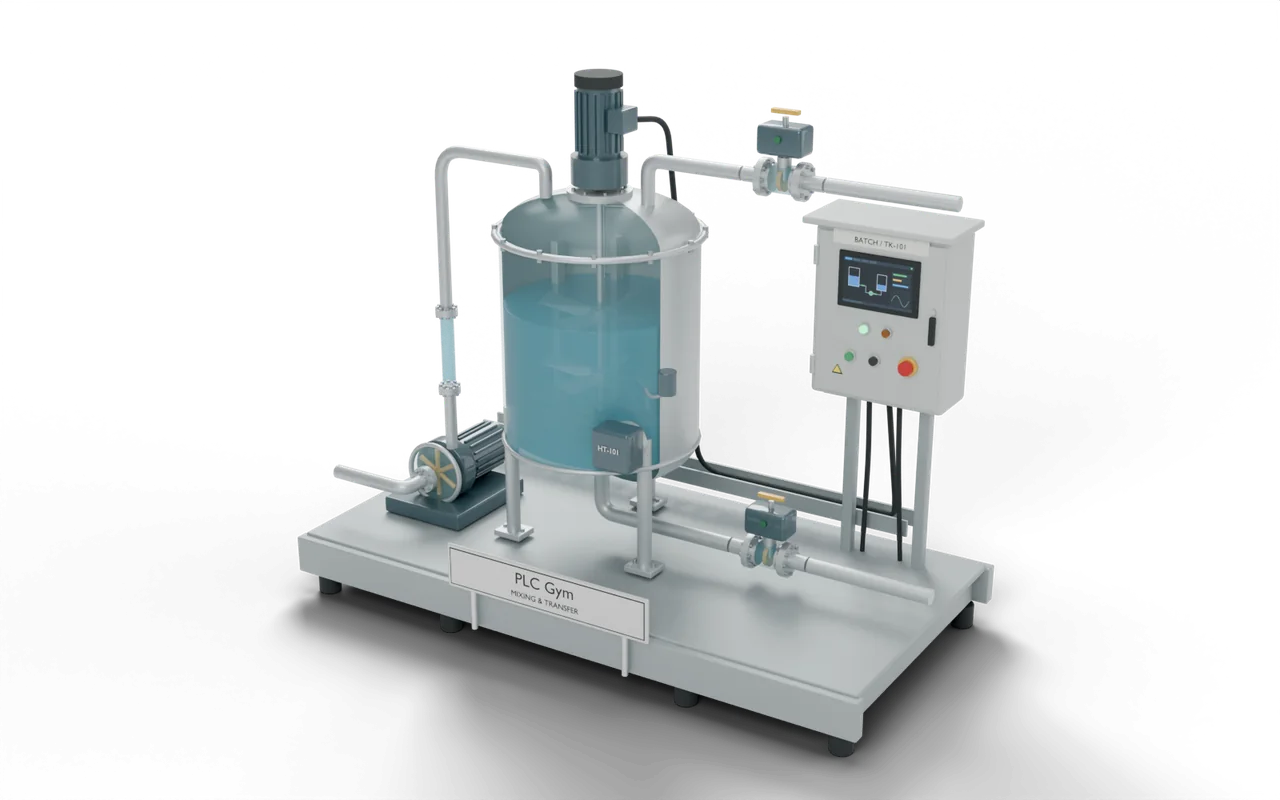 PRO (needs Pro) mission
A healthy skid transfers to 80%
Test 1 of 3StartStart pushbutton S1: begin a transferOFFResetInputOFFPumpOnOutputOFFValveCmdOutputOFF- Level
- Applied
- Time
- About 25 min
- Reward
- +300 XP
- Rig
- 3D two-tank transfer rig
- Siemens editors
- Ladder (LAD), SCL
- Rockwell editors
- Ladder, Structured Text
- Beckhoff editors
- Structured Text
- Stage
- 26. Find the fault: it isn’t always the program
The transfer that never finished: what your code must do
Operator's report: 'I press Start, TK-202 fills a bit and then just stops. The screen still shows the pump running and the valve open. It sat like that all night.' The program opens valve XV-201, runs the pump once the valve is proved open, and stops at 80%. Press Run, then Start, and watch. Compare each line of the input and output list with its Healthy column: one device is not doing what the list says. Then change the program so this failure is caught. If the pump is told to run and FS-201 shows no flow for 2 seconds: the lamp for the failed device ON (SignalFault, ValveFault or PumpFault, and only that one), PumpOn OFF and ValveCmd OFF, so the valve really closes. The lamp stays ON until Reset is pressed, and Start does nothing while it is ON. A healthy skid must still transfer to 80% with no lamp lit.
- Transfer
- Start opens XV-201. The pump runs once ZSO-201 proves it open. Both stop at 80%.
- Find the fault
- One device has failed. The input and output list shows what each signal should read.
- Catch it
- PumpOn with no FlowOK for 2 s: the failed device's lamp ON, and no other. PumpOn and ValveCmd OFF.
- Reset
- The lamp holds until Reset. Start does nothing while it is ON.
- How it's checked
- The checks press Start and Reset, nothing else, on a skid with the same fault as yours and on a healthy one. They read the skid itself: whether the pump is really running, how far the valve has really closed, and the real level in TK-202.
The transfer that never finished: inputs and outputs
Your program reads 5 inputs and sets 6 outputs. The names are the same in every maker’s editor.
The transfer that never finished: what the tests check
- A healthy skid transfers to 80% and stops, with no fault lamp.
- The pump starting up is not a fault: flow takes a moment to arrive.
- PumpOn with no flow for 2 seconds lights the failed device's lamp, and only that one.
- The transfer stops, and the valve really closes.
- The lamp holds until Reset, and Start does nothing while it is ON.
- Try it Use the buttons below the model and watch the rig respond.
- Test solution Every check runs on your code in one press.
- Rewind PRO (needs Pro) If one fails, step back through it one scan at a time to see why.
Stuck on this mission? Ask the members in the Locker Room.
Where you’d see this on site
A motor's overload relay trips when the motor draws too much current: a stiff bearing, a jammed impeller, a phase lost. The contactor drops out and the PLC's output light stays on.
Nothing breaks when a pump trips. The plant just stops doing its job, silently, with a screen that says all is well, and the batch is late or lost by the time anyone looks.
At a food factory, a big storage tank refills a smaller wash tank. A pump pushes the water through a valve between them. Before pumping, the engineer checks both levels and that the valve has really opened. If the storage tank empties, the pump can run dry and damage its seal, the part that stops leaks.
- Source tankHolds 400 litres when full
- Transfer pumpA spinning motor does not prove water is flowing
- Discharge valveA switch confirms the valve is openYou are here
- Receiving tankHolds 100 litres when full
On a real site: places, parts and safety
- Food factory — refill a wash tank
- Brewery — move water from storage to a batch tank
- Water-treatment works — move water between holding tanks
The model shows spills and a rough idea of pump wear. Do not use its timings as safe limits for real equipment.
A real site needs separate safety devices and a design made for that site.
The sizes, timings and cutaways are teaching choices, not a drawing of any one real installation.
Next on the road
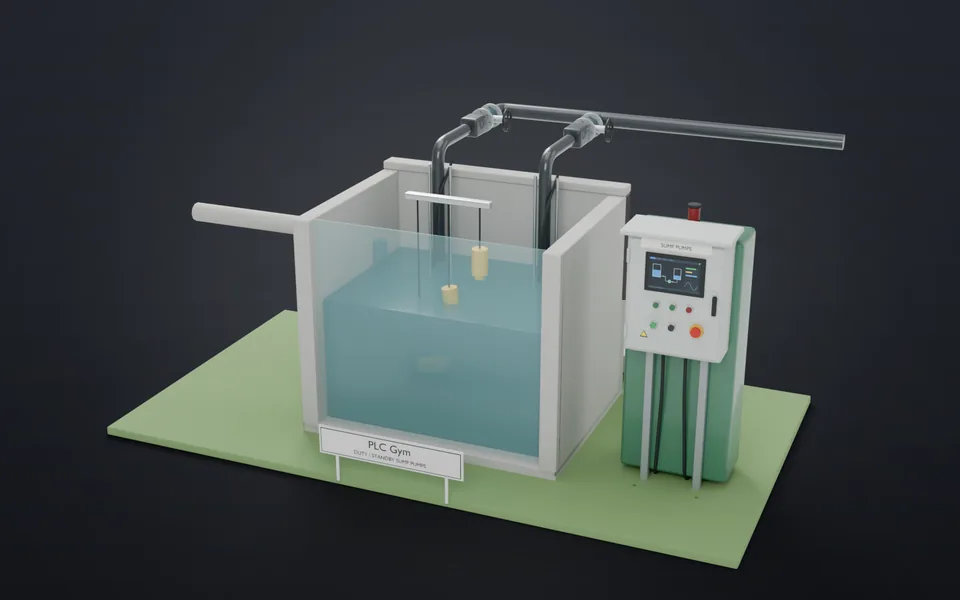 46Take turns, survive the stormAlternate two pumps and bring in the standby.Applied · 25 min · +350 XP
- 47Same button, same placeFaceplates that work the same way every time, and say why not.Applied · 25 min · +300 XP
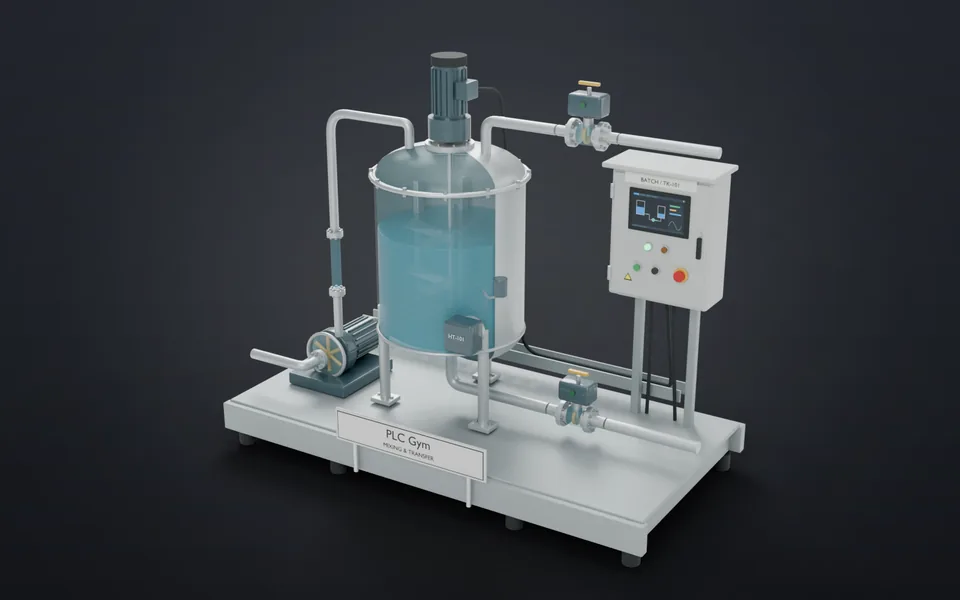 48Write your first state machineUse a numbered state to start, finish and reset a mixing job.Applied · 12 min · +250 XP
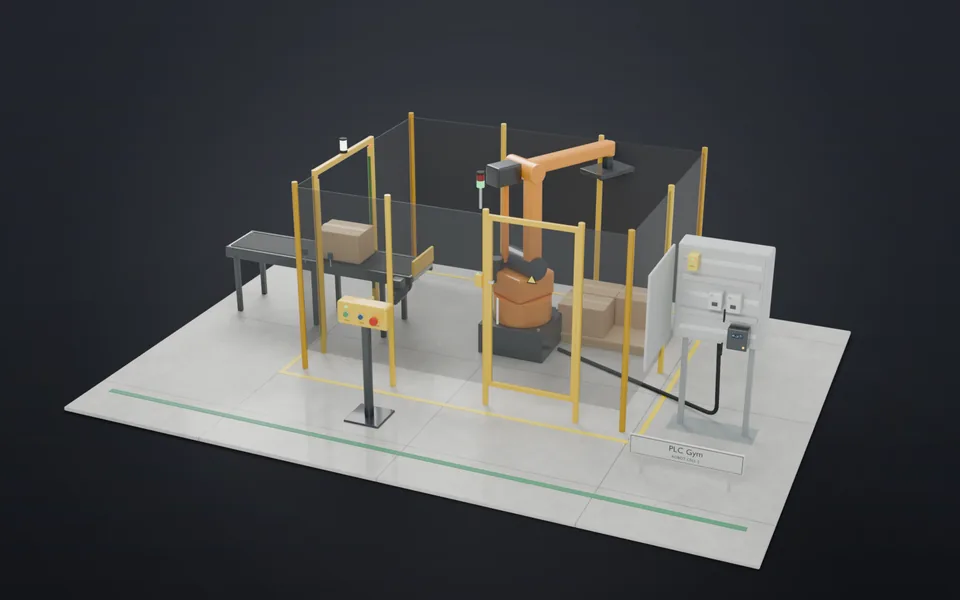 49Stop means stopWrite an emergency stop that needs a separate, deliberate reset before anything can start again.Applied · 25 min · +250 XP